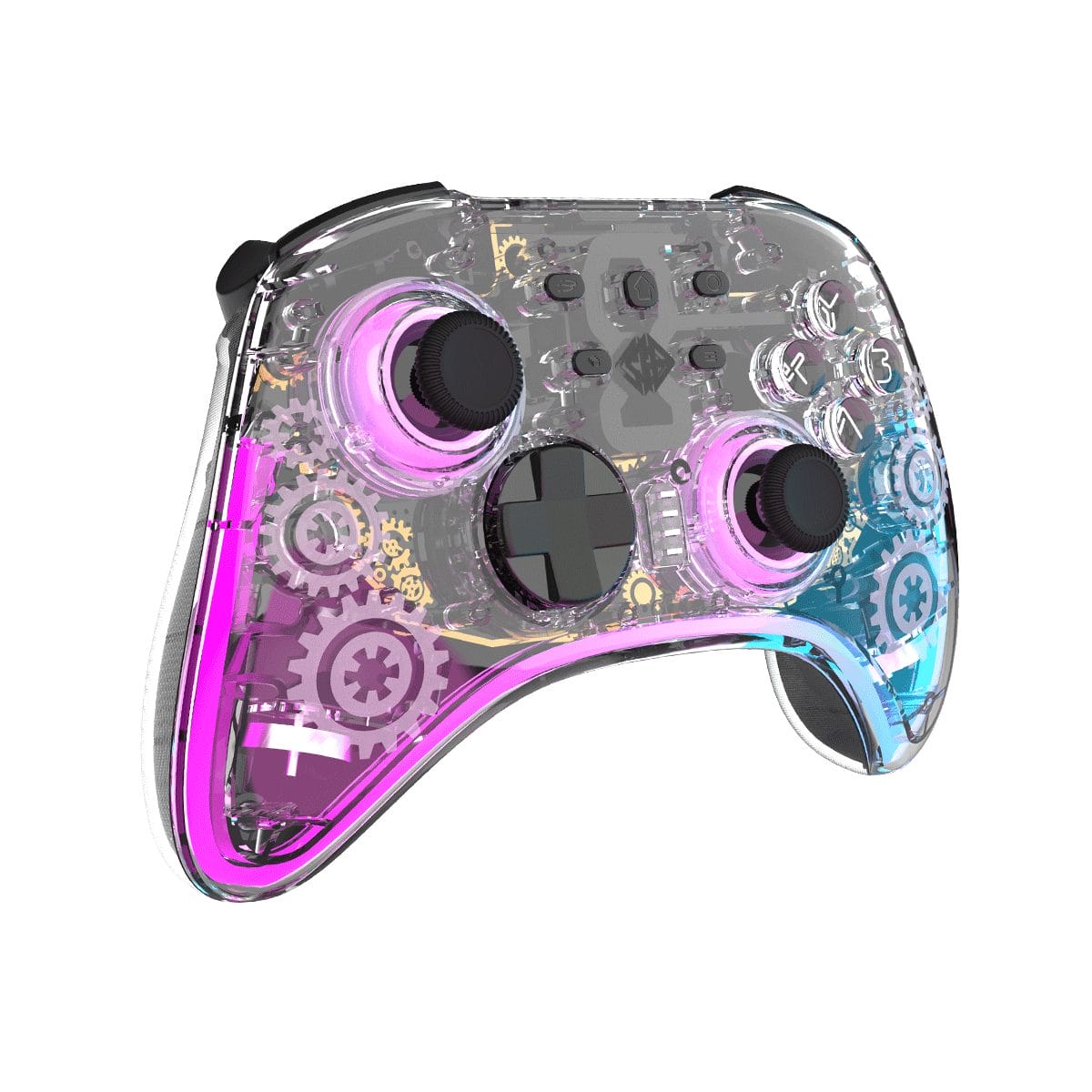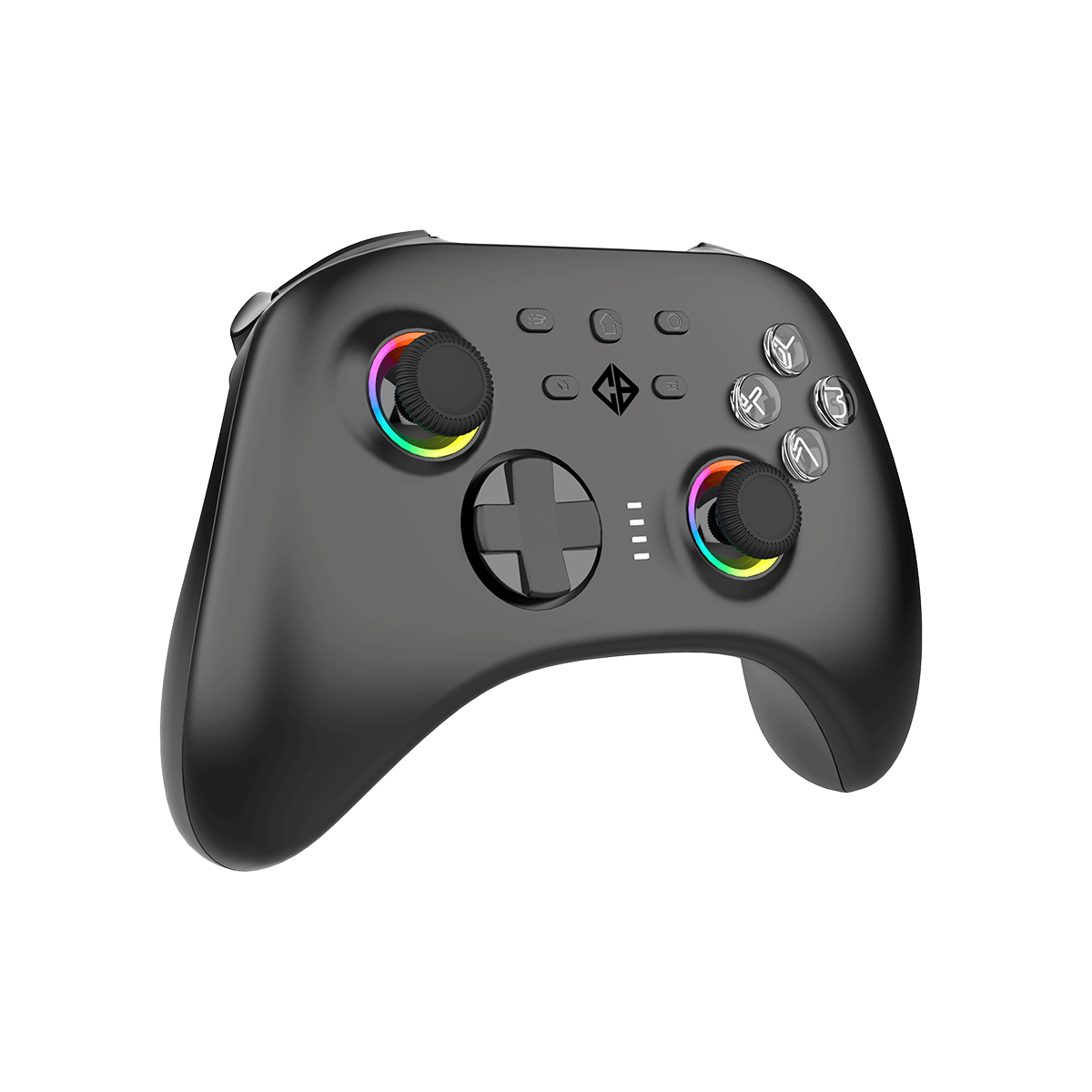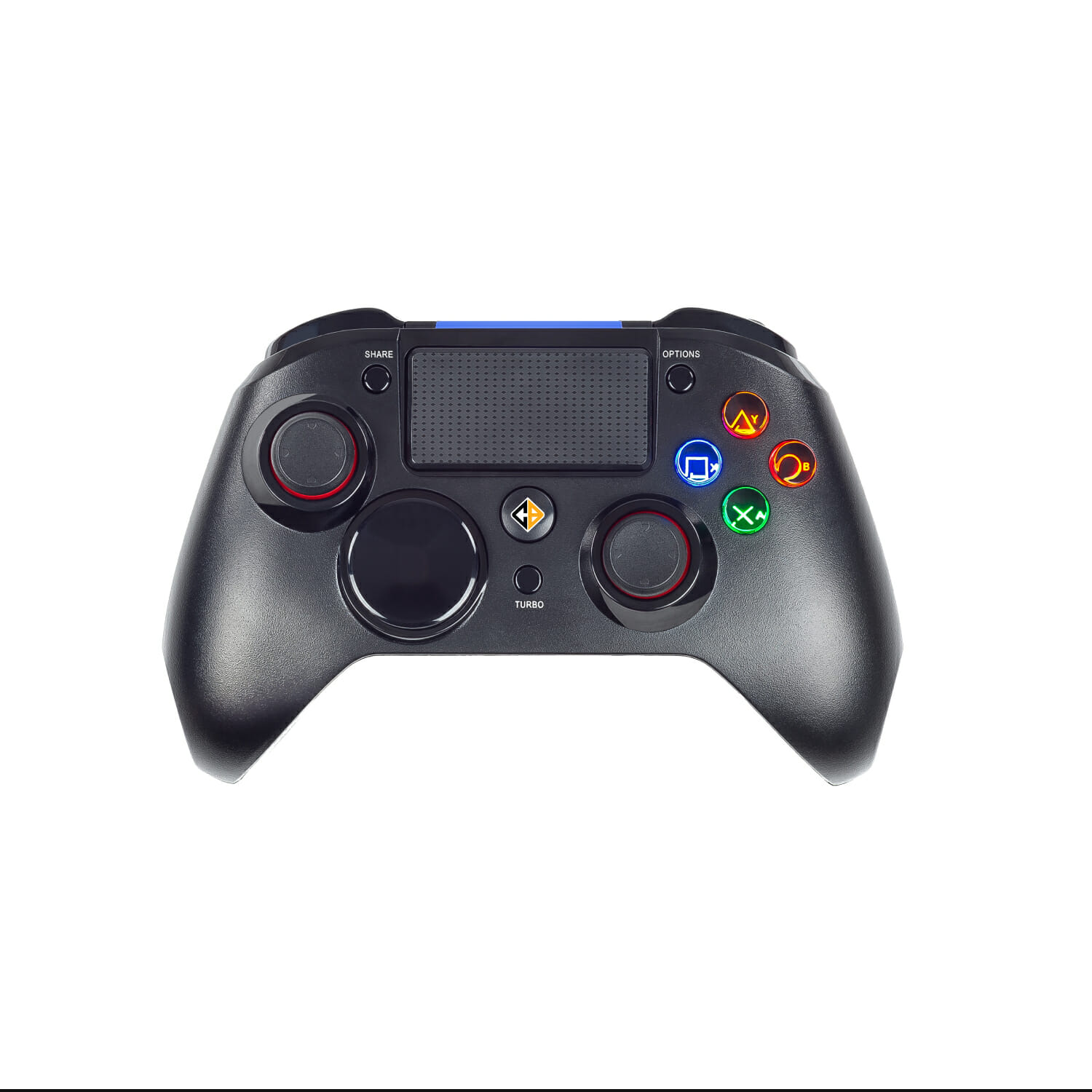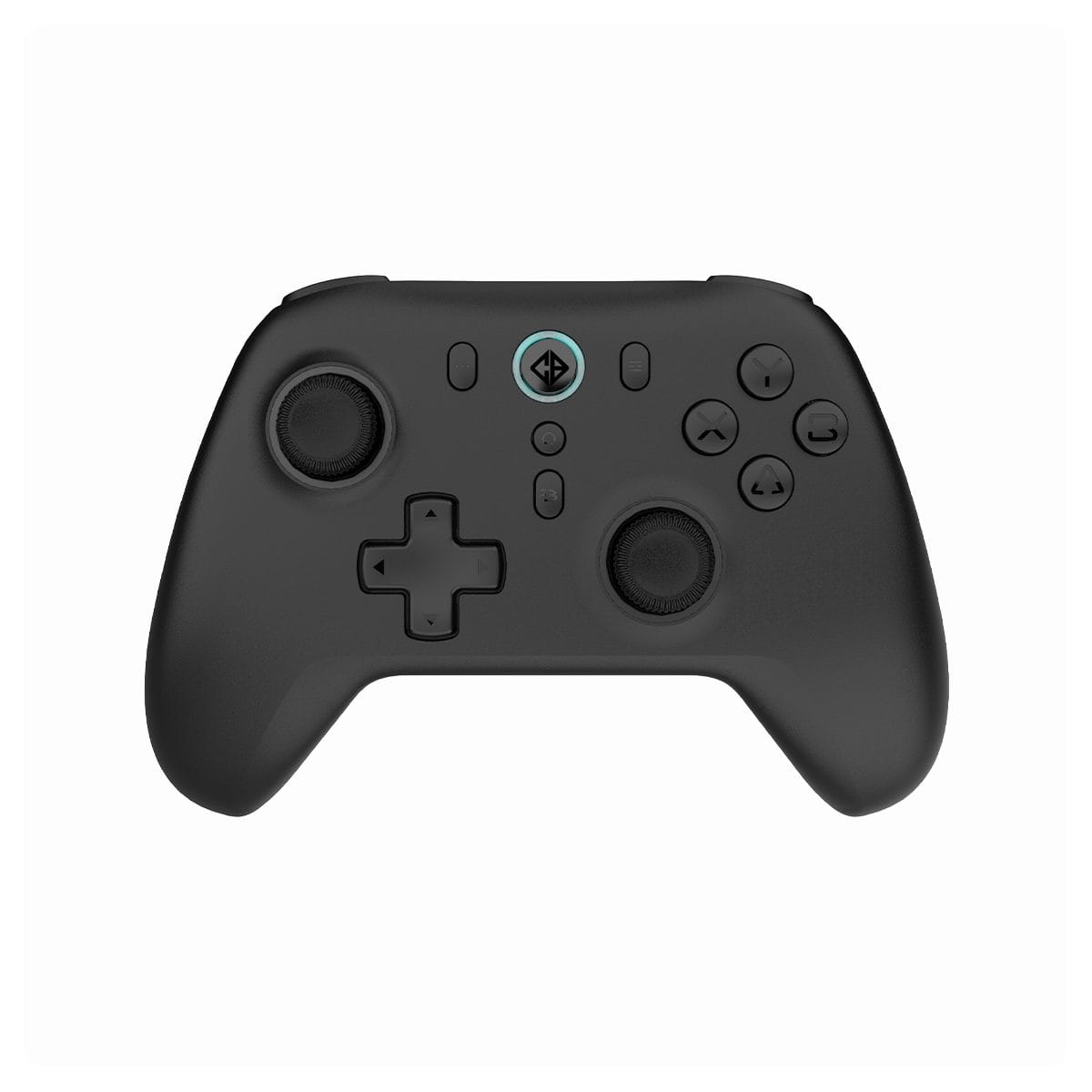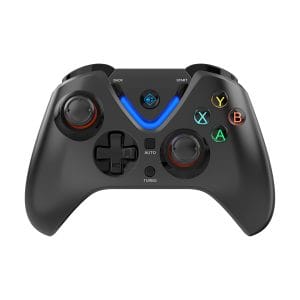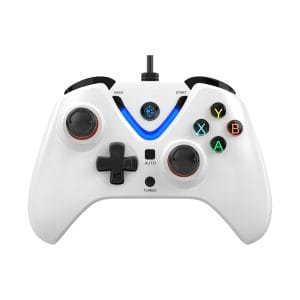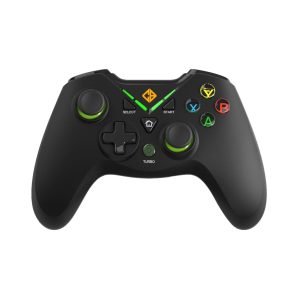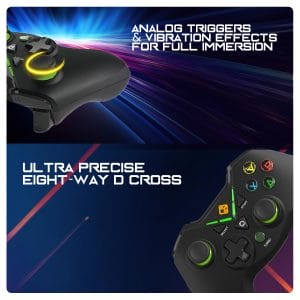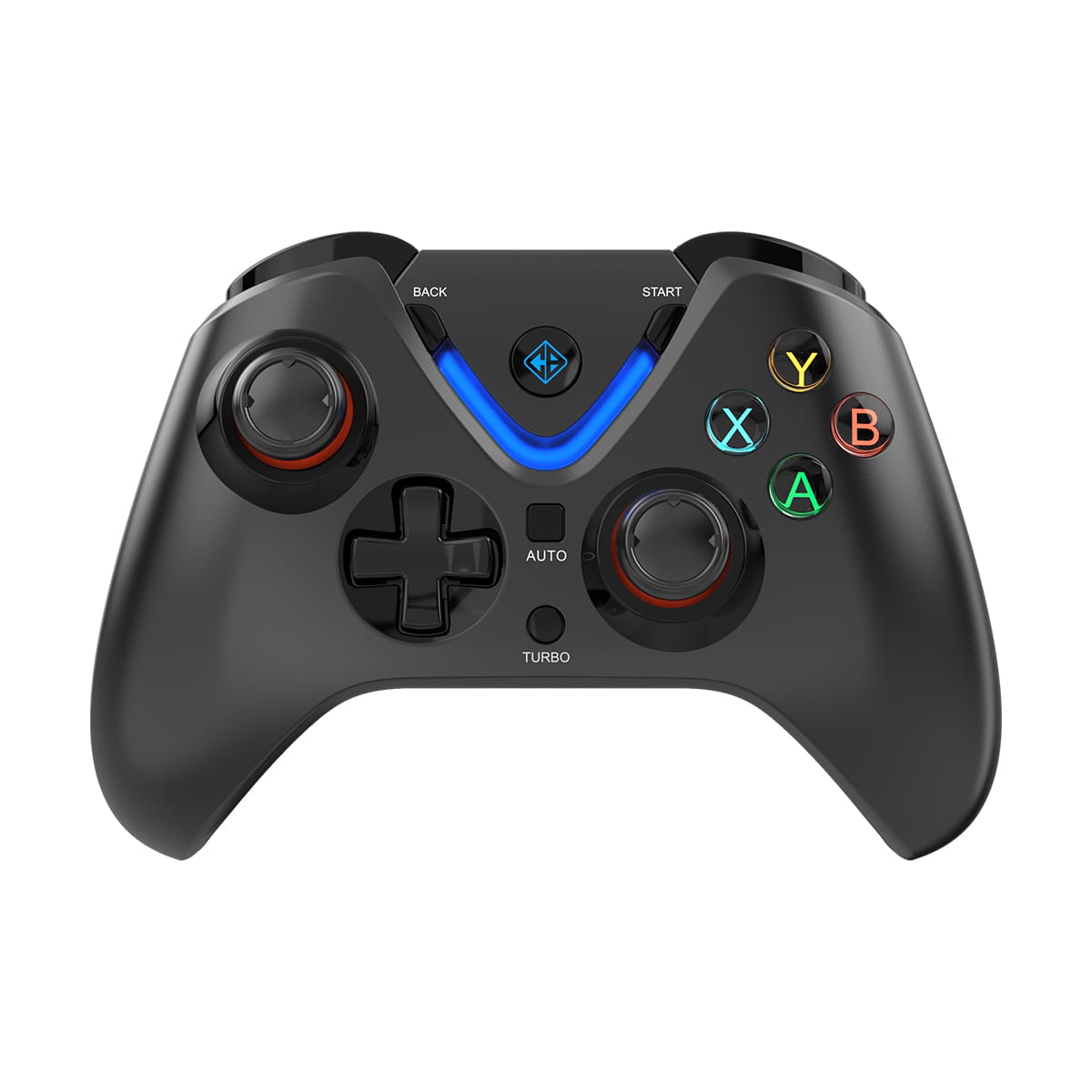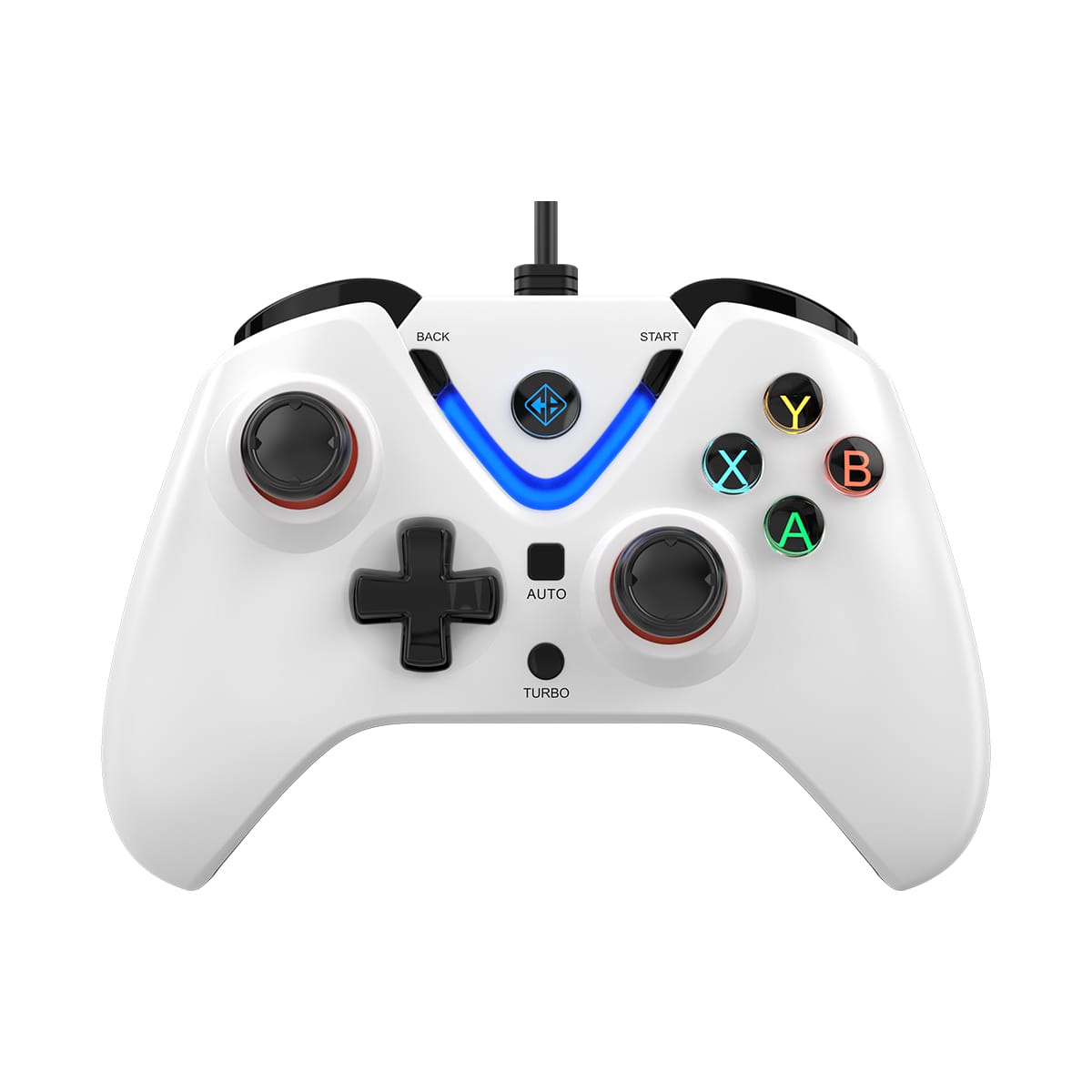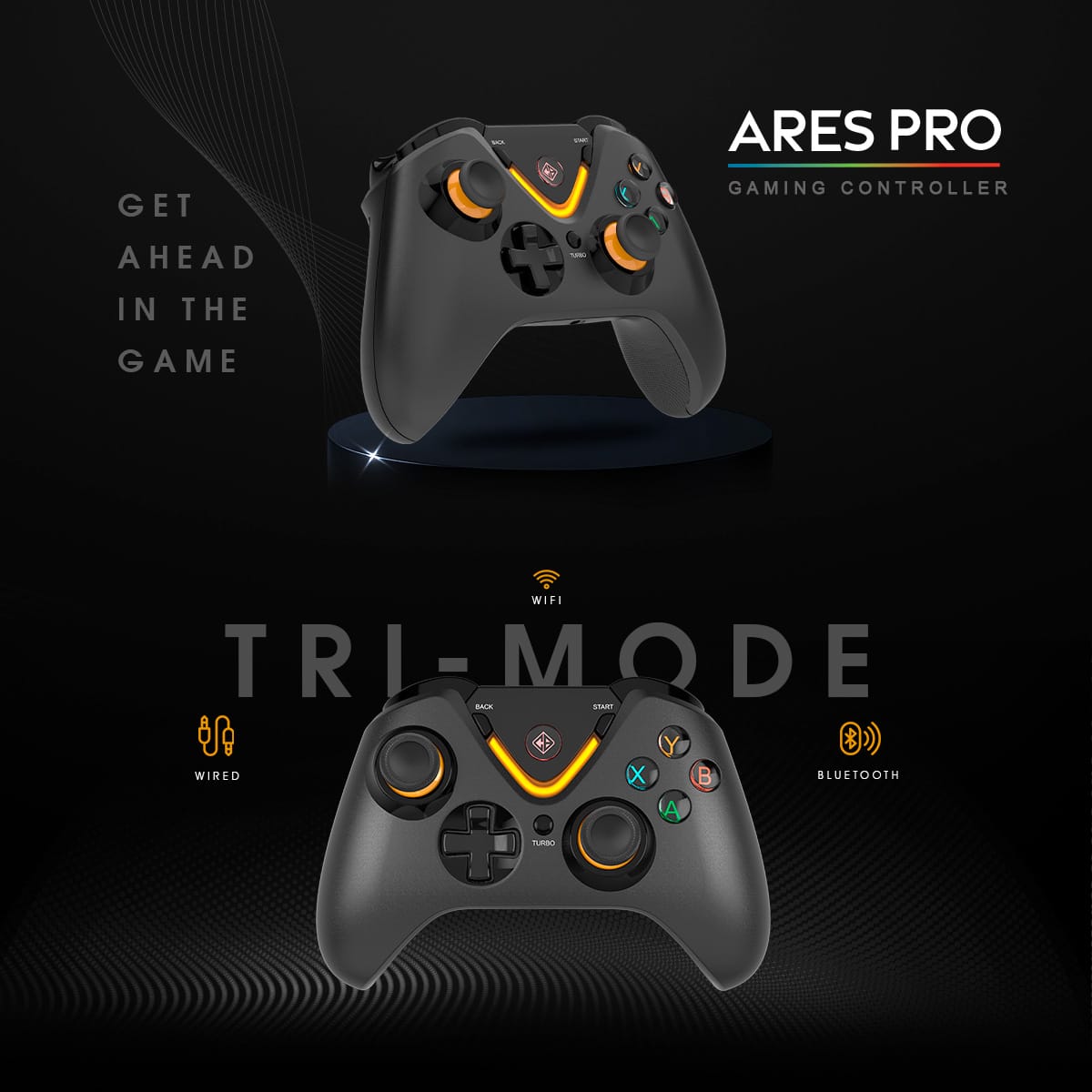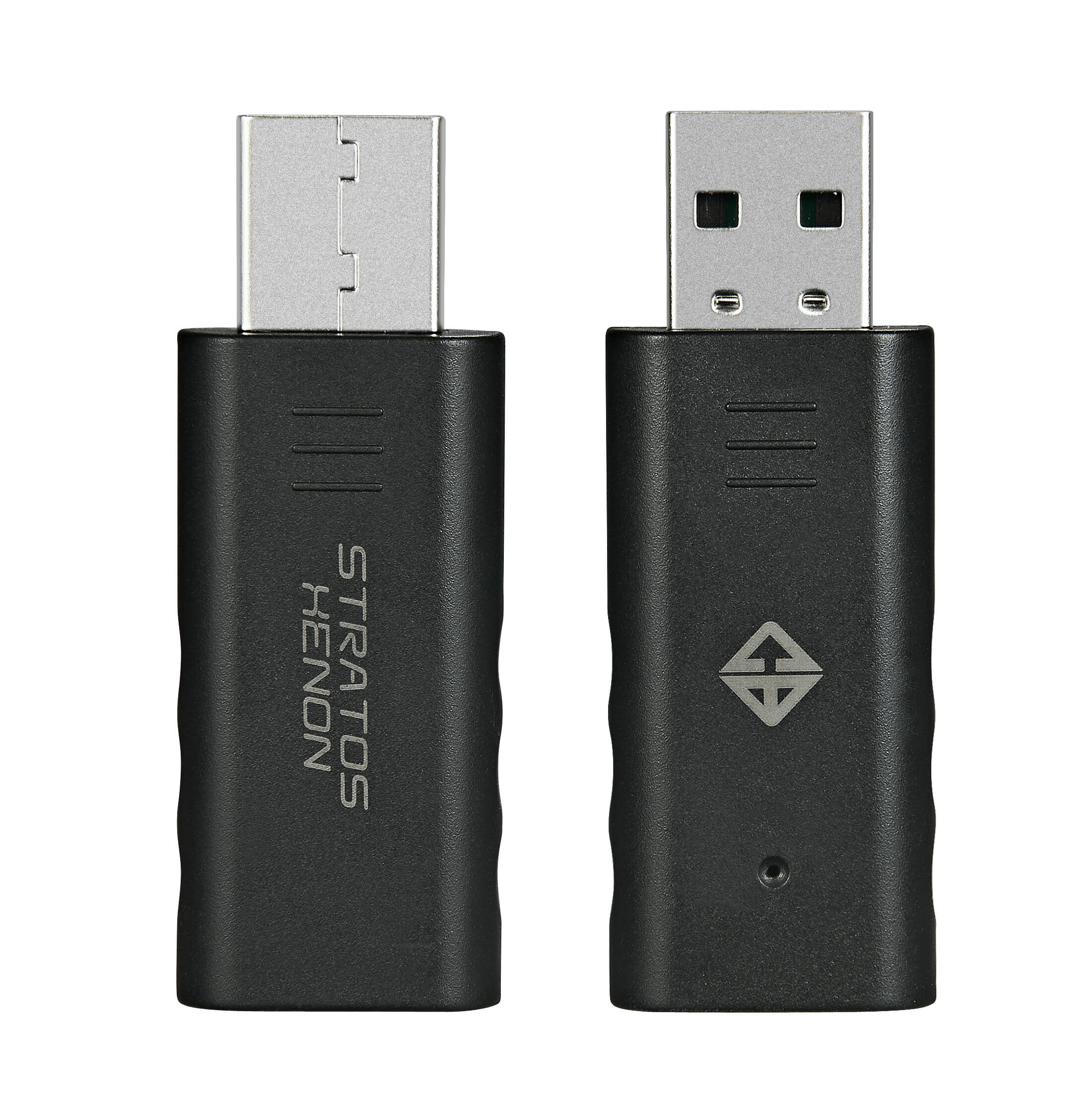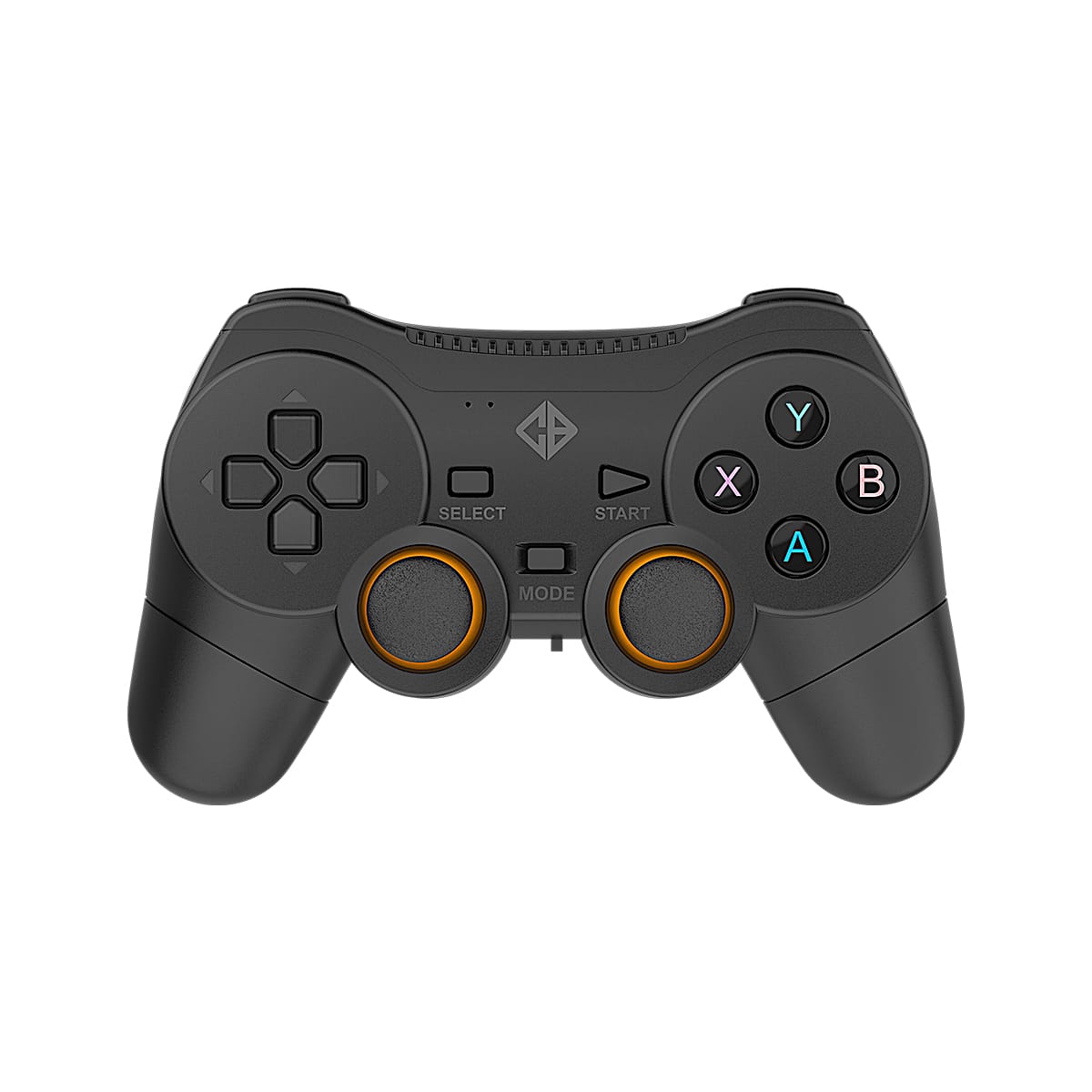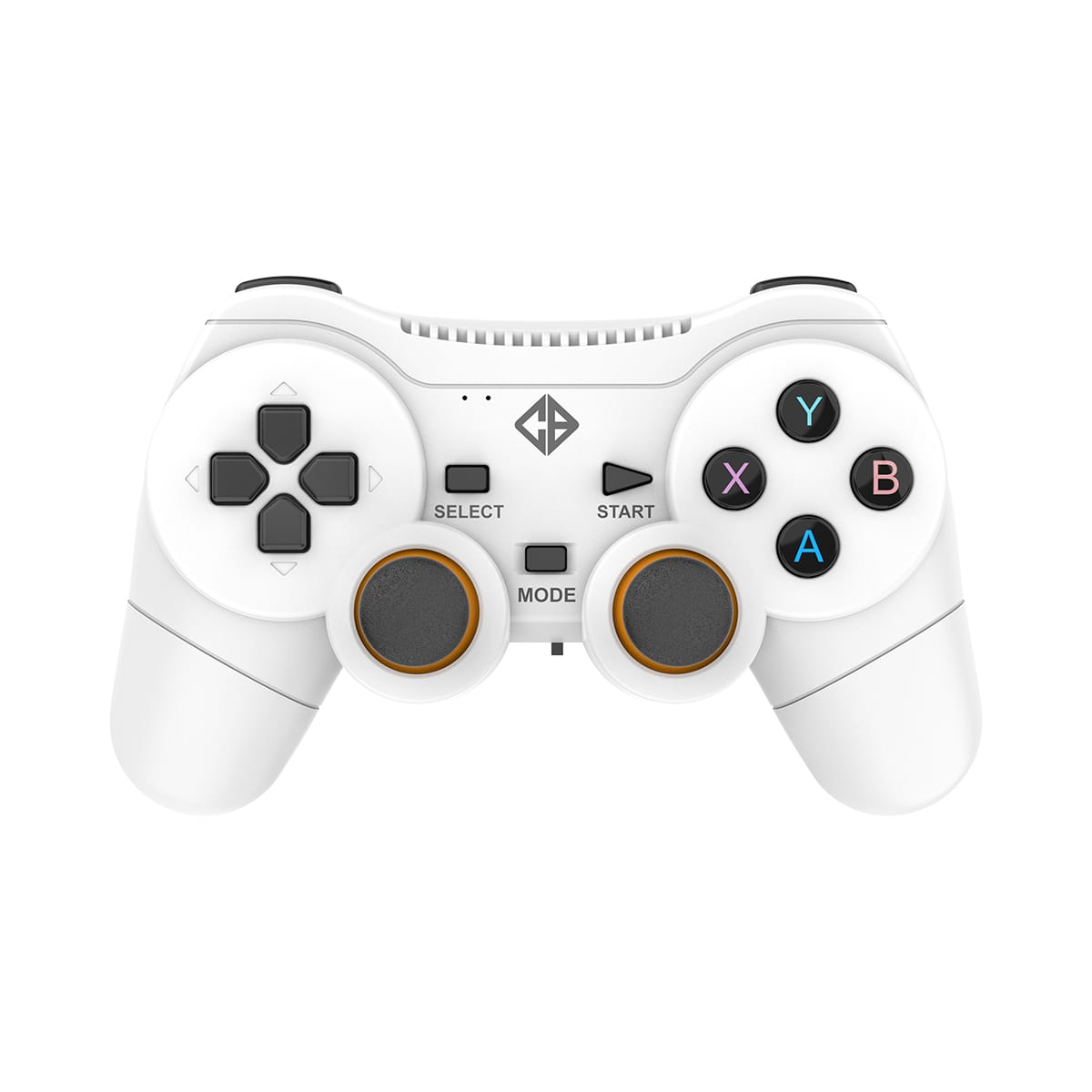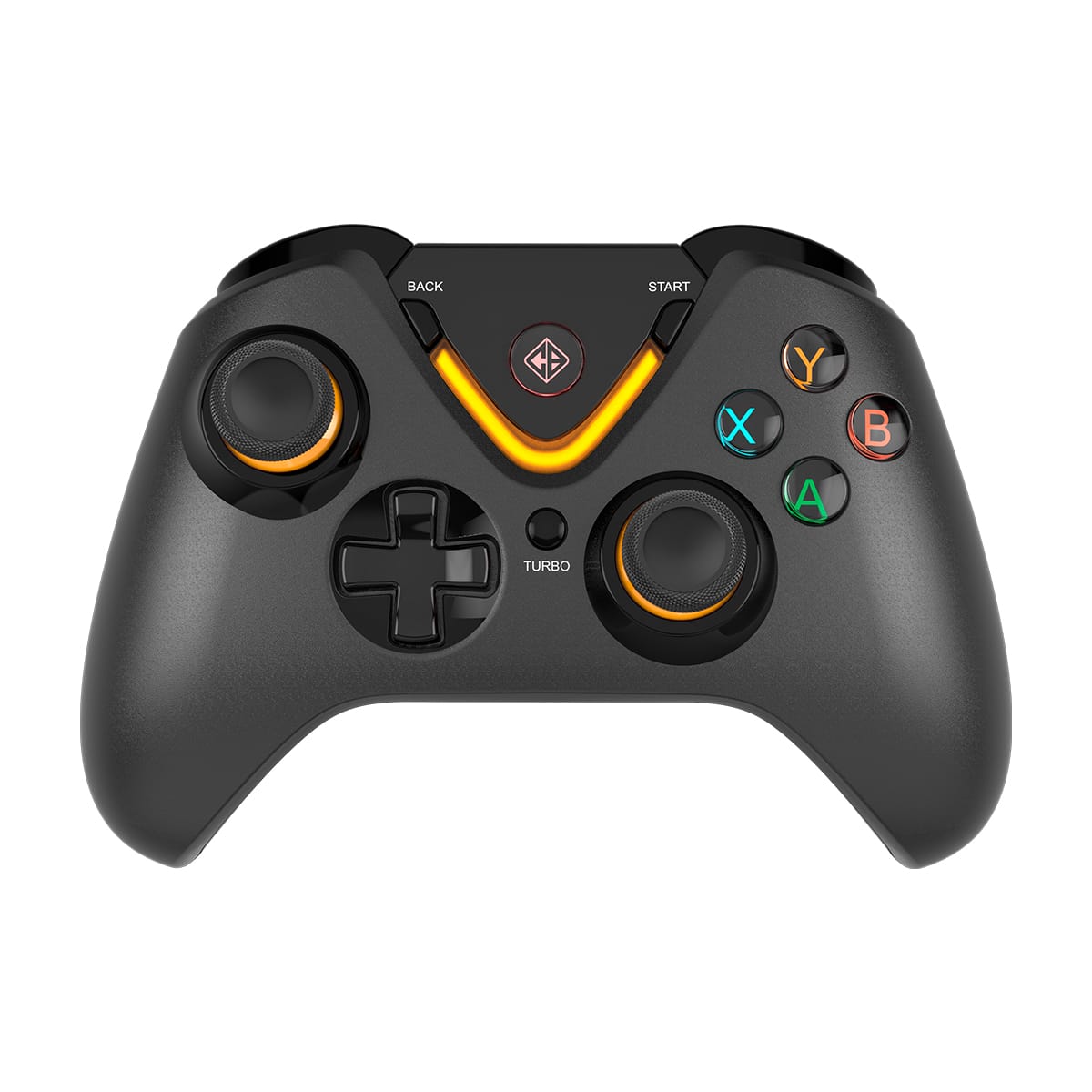
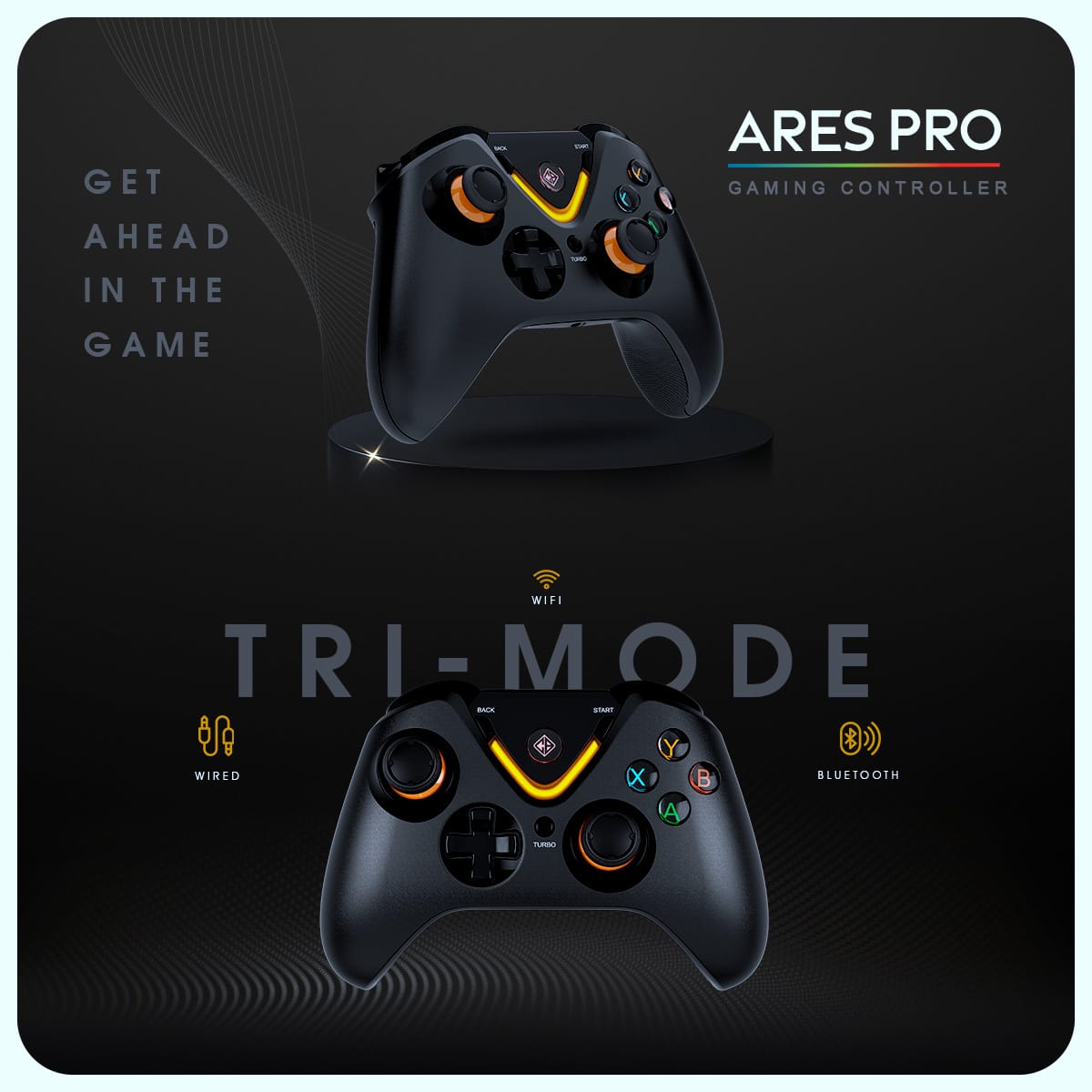
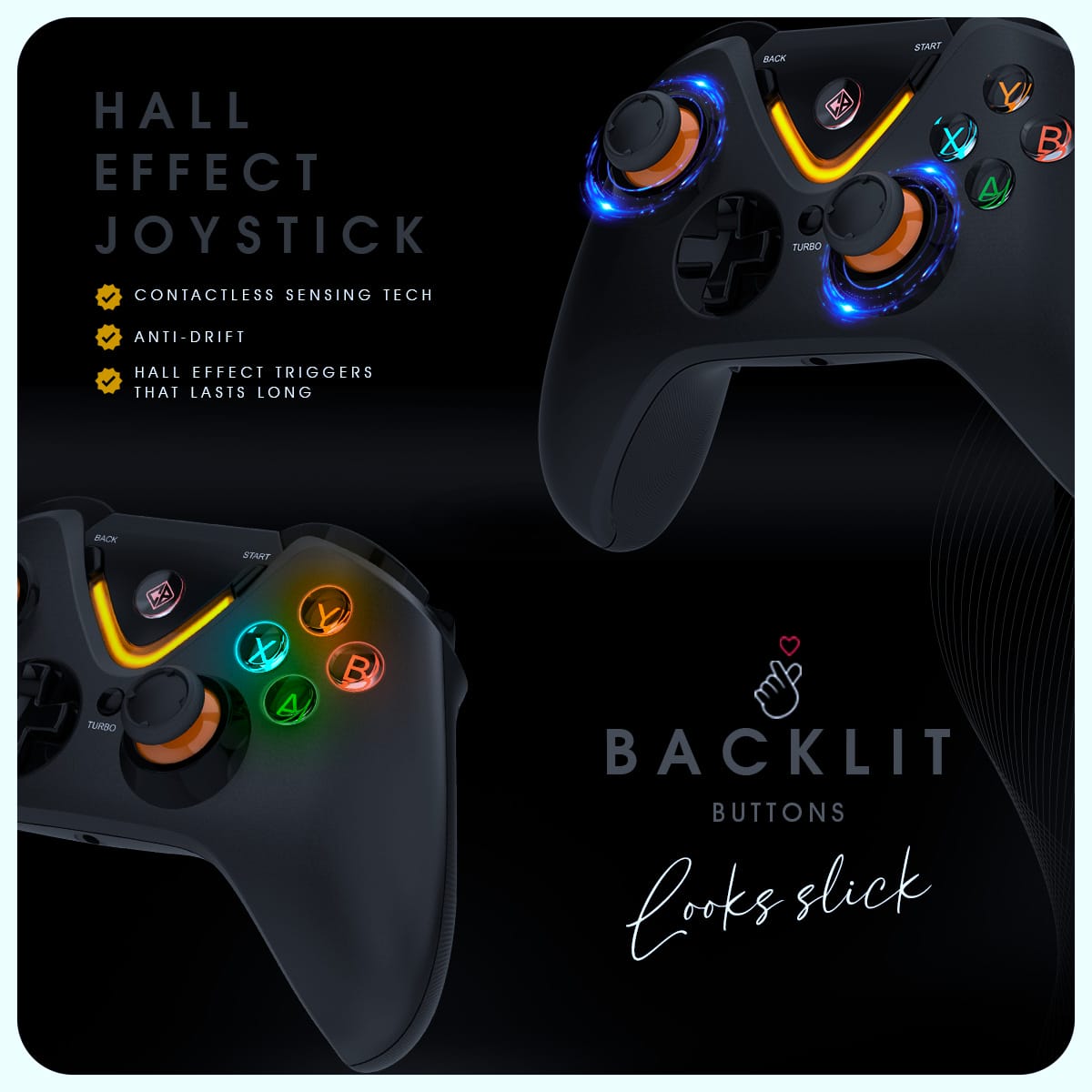
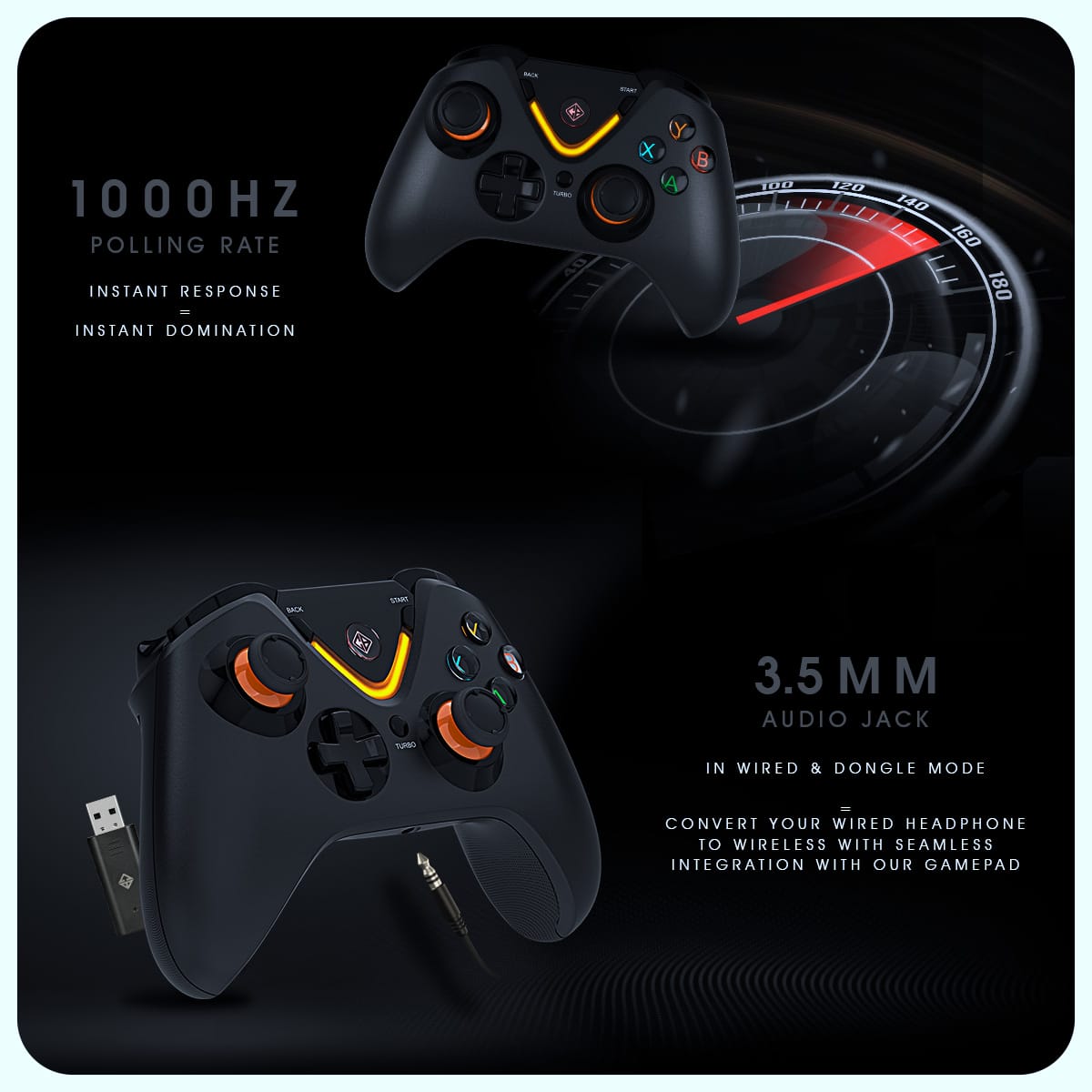
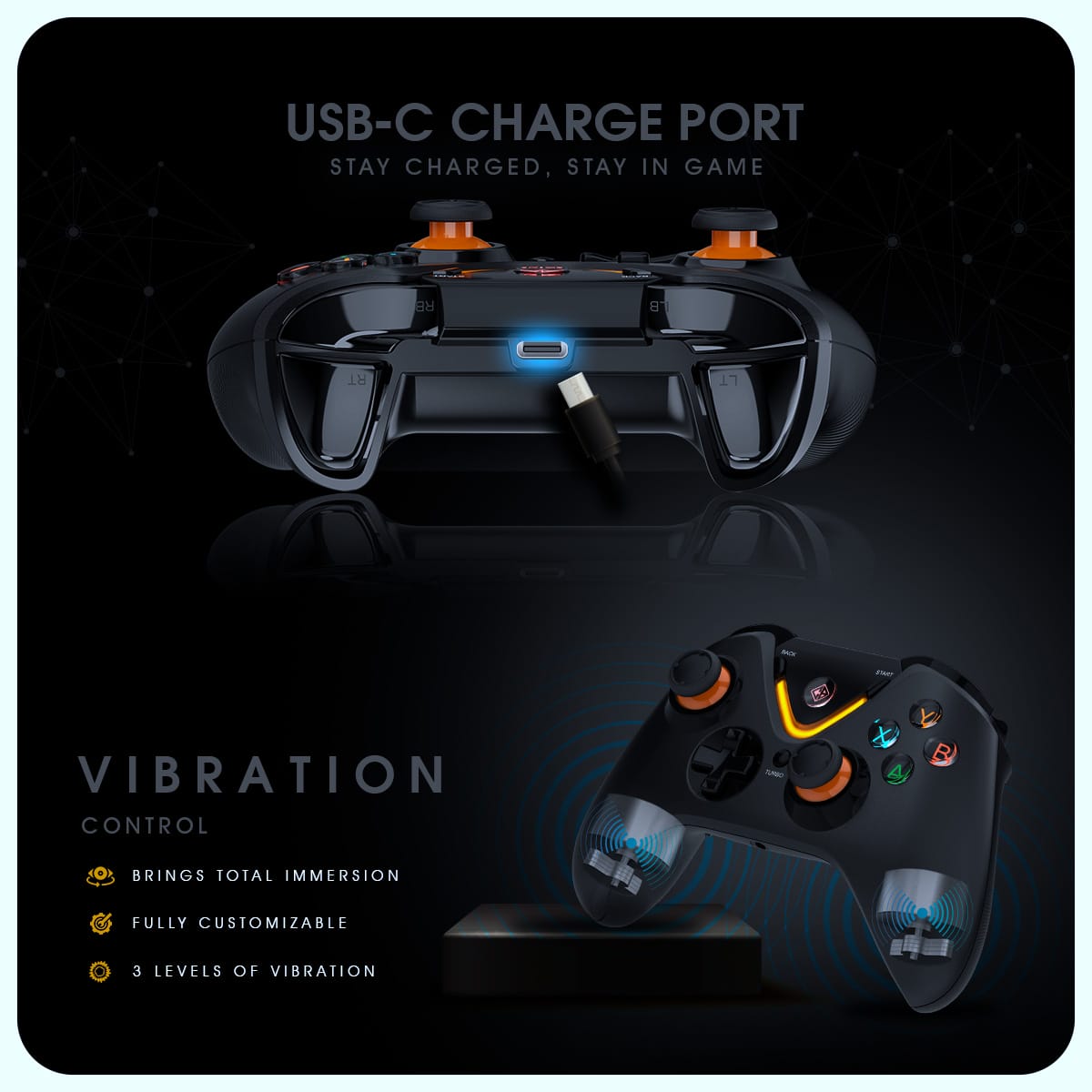
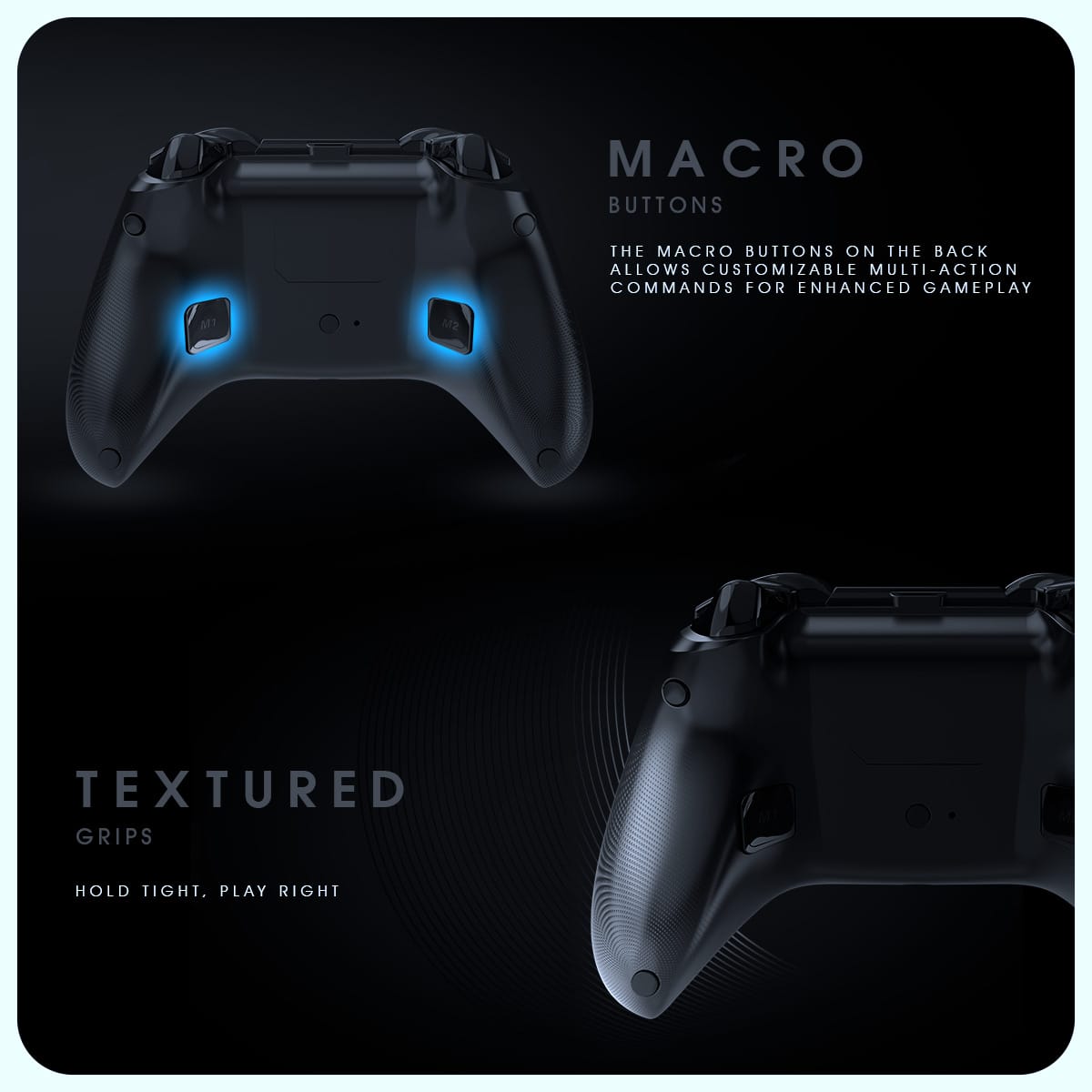
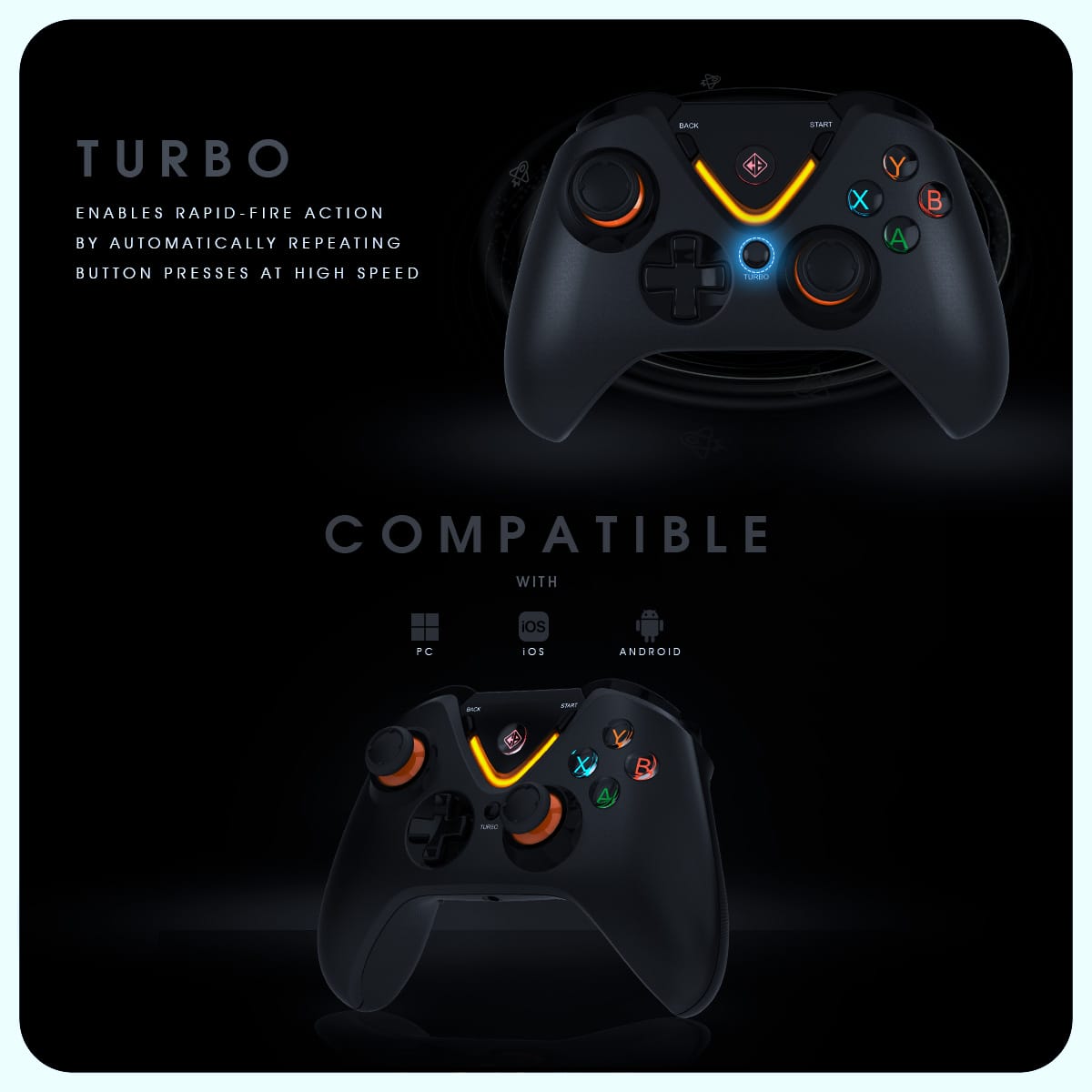
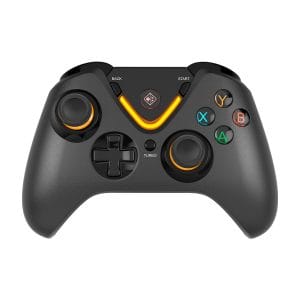
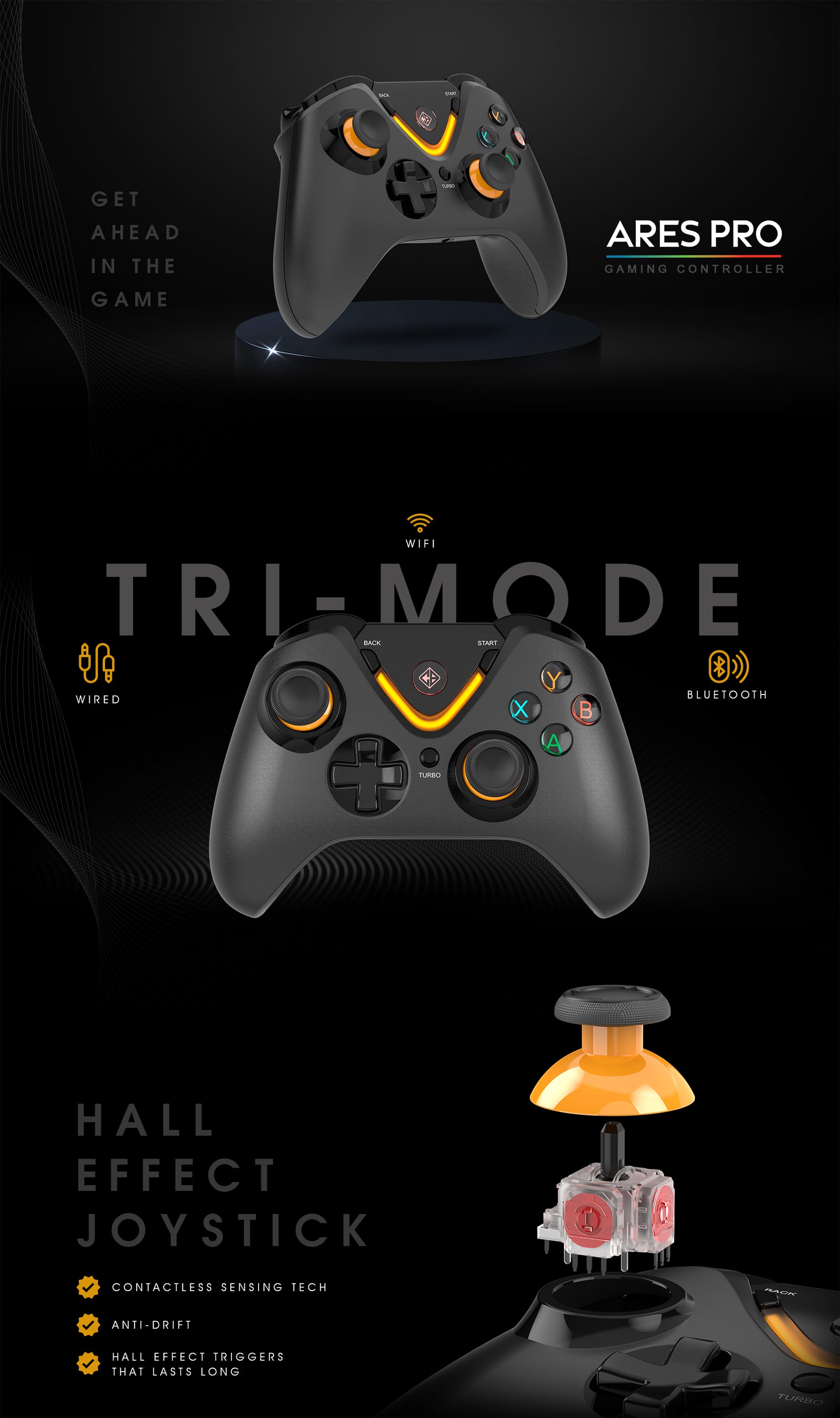
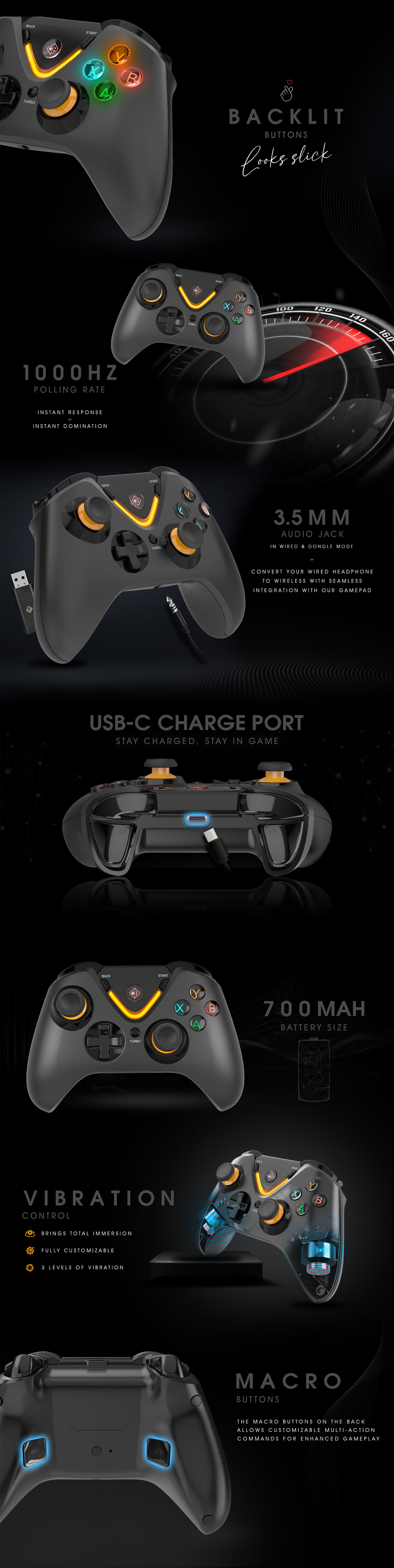
Cosmic Byte Ares Pro Tri-Mode Wireless-Bluetooth-Wired Controller for PC, Wireless Audio Port, Hall Joystick & Triggers, Upgraded with Windows Software Support
Offer Ends In:
Loading available coupons...

CUSTOMER SUPPORT

SECURED PAYMENT

FREE SHIPPING ACROSS INDIA

EMI OFFERS

WARRANTY

REPLACEMENT

CASH ON DELIVERY

7 DAYS RETURN

CREATE AN ACCOUNT

EARN BYTES

REDEEM BYTES

REFER N EARN
OUR HAPPY CUSTOMERS
IMAGES SHARED BY CB COMMUNITY
- Overview
- Software & Firmware Update
- User Manual
- Additional information
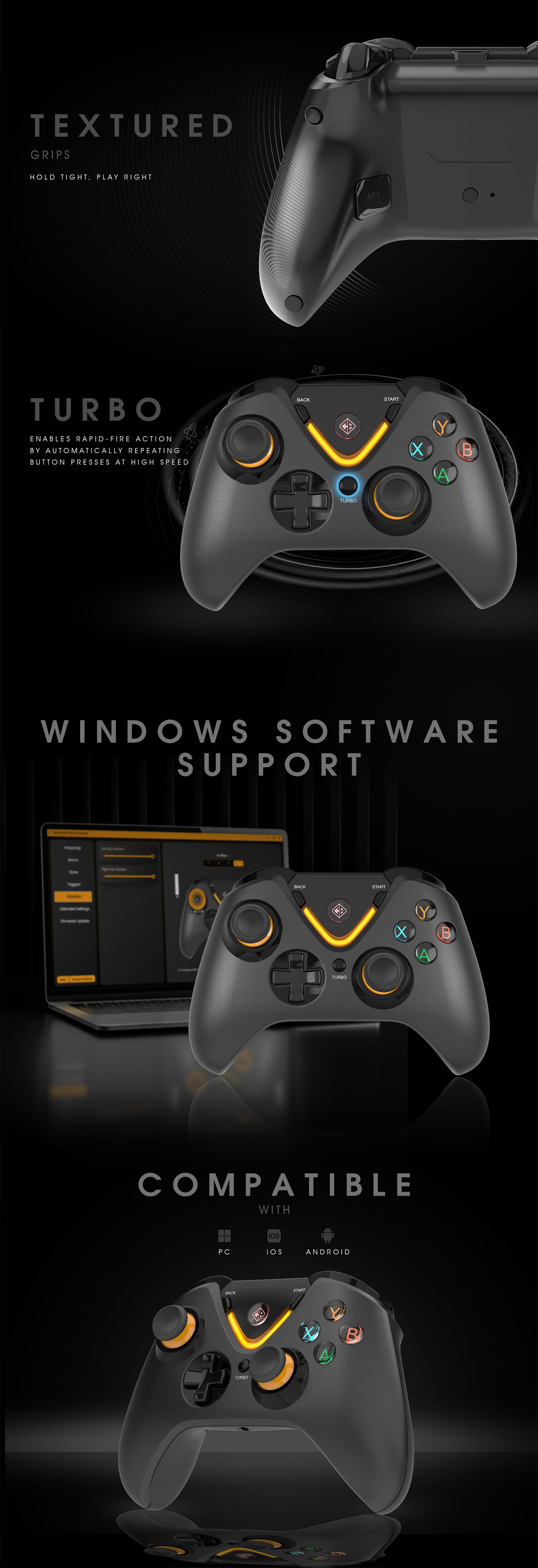
Windows Software and Firmware for Ares Pro with software Support
Cosmic Byte Ares Pro Software Setup 1.2.11
Release Date: 20th Jan 2026
Changelog
Vibration Adjustment (Updated Shortcut)
-
Increase Vibration: Hold R3 + Left Stick Up for 3 seconds
-
Decrease Vibration: Hold R3 + Left Stick Down for 3 seconds
This shortcut has been updated to prevent unintended vibration changes during gameplay.
Auto Shutdown Setting (New Feature)
-
Controller auto shutdown time can now be adjusted via the software.
Firmware Update Requirement
-
Please update the controller firmware using the latest software to enable these changes.
Note:
1. The software will only work with Upgraded Ares Pro controller that mentions App Support on the Back label of the controller.
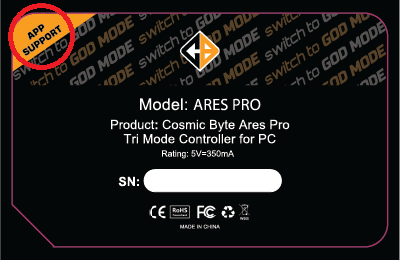
2. To update the firmware of the controller, connect it in wired mode with the software, then press firmware update in the software.
DO NOT UPDATE firmware shared below for Ares Pro with software support. Only update firmware using the software.
Firmware for Ares Pro without Software Support
Cosmic Byte Ares Pro Firmware Update-290925
Ares_Pro_Firmware_Update_Guide
**Firmware Update – Cosmic Byte Ares Pro – 29th Sept 2025**
We’ve rolled out a new firmware update with enhanced precision, feedback, and calibration features!
** Joystick Range Selection**
You can now switch joystick modes with clear vibration cues for better control.
Activate with R3/L3 + Turbo
**Range Modes:**
Default (Full Circle)
Medium vibration from left or right motor respectively
→ Full joystick movement enabled
Small Circle
Small vibration from from left or right motor respectively
→ Reduced joystick range for precision control
Square Mode
Strong vibration from from left or right motor respectively
→ Square-style input mapping for tight angles
** Ares Pro Joysticks & Trigger Calibration Guide (with LED + Vibration Indicators)**
**Step-by-step instructions:**
– Power Off
Turn off the controller completely.
– Enter Calibration Mode
Press and hold Back + X + Home for 1 second.
→ LEDs will flash green and blue, and the controller will vibrate once.
– Calibrate Sticks & Triggers
– Rotate both joysticks clockwise 3 times.
– Press both triggers fully 3 times.
– Complete Calibration
Press Start to finish.
→ The green LED will light up and the controller will vibrate once to confirm.
Additional information
| Brand | Cosmic Byte |
|---|---|
| Color | Black |
| Connection Type | Bluetooth, Wired, Wireless |
| Country of Origin | CN |
| EAN | 8906107602838 |
| HSN | 84716090 |
| Included In Package | Charging Cable x 1U, Gamepad x 1U, User Manual x 1U, Wireless Dongle x 1U |
| Model Number | Ares Pro |
| Package Dimension | 19 x 7.1 x 16 cm |
| Package Weight | 0.485 Kgs |
| Return Eligibility | 7 Days as per policy T&C |
| Warranty | 1 Year Warranty against Manufacturing Defects |
You may also like…
-
Deal of the Day, Gaming Controllers
Cosmic Byte Quantum Dual Mode Bluetooth + Wired Controller for PS4, PC, iOS, Android, Switch, Hall effect Triggers and Joystick
MRP: Original price was: ₹5,999.00.₹2,699.00Current price is: ₹2,699.00. -