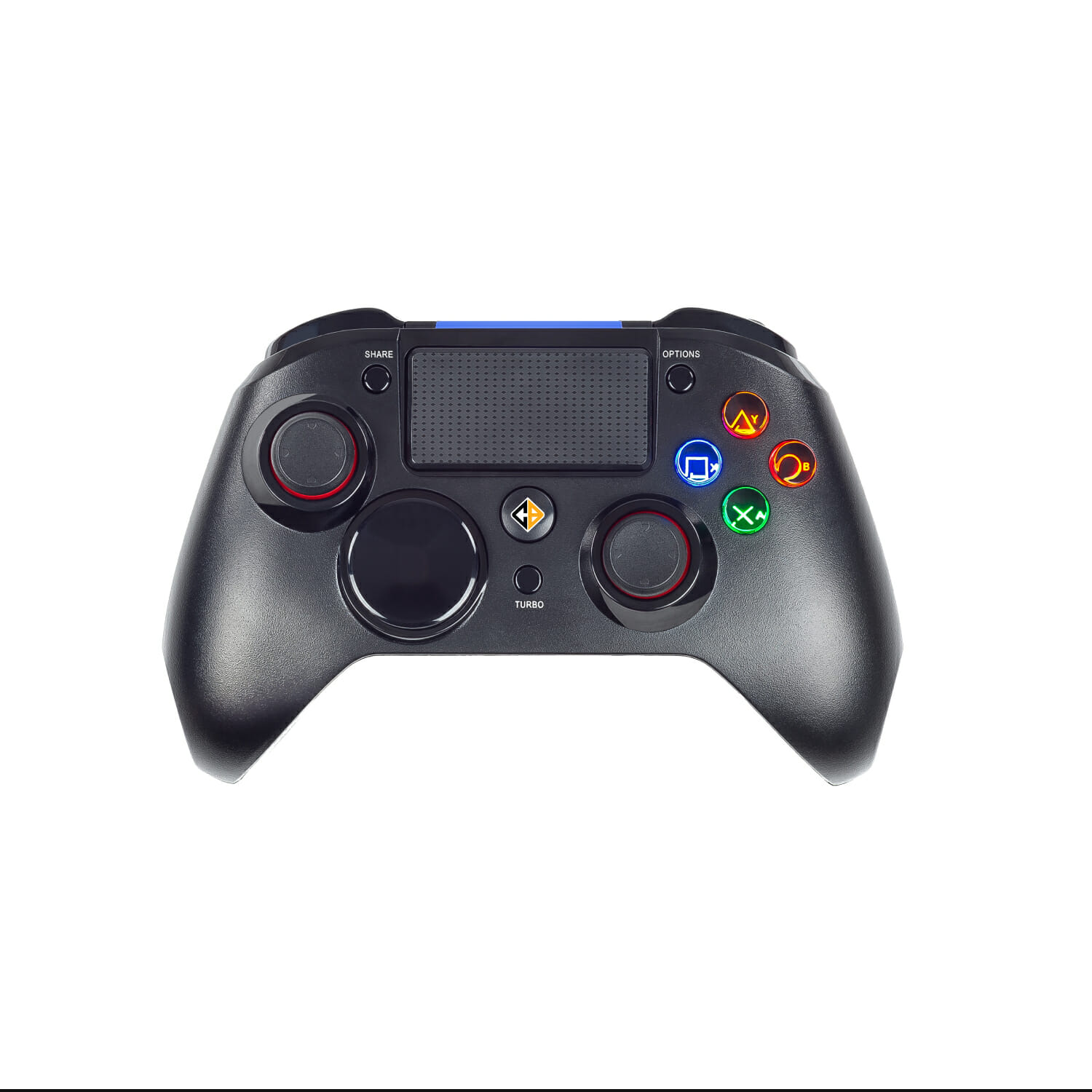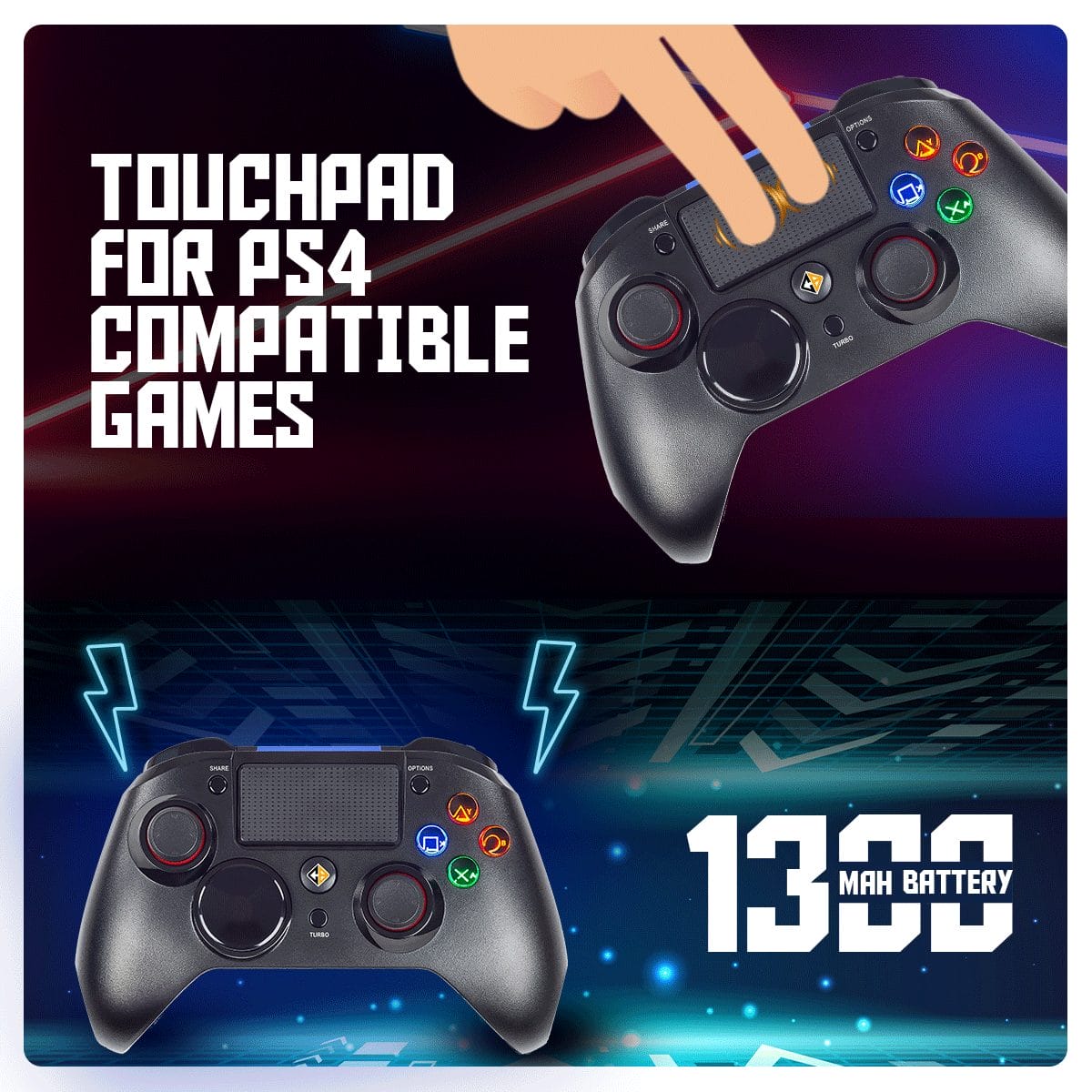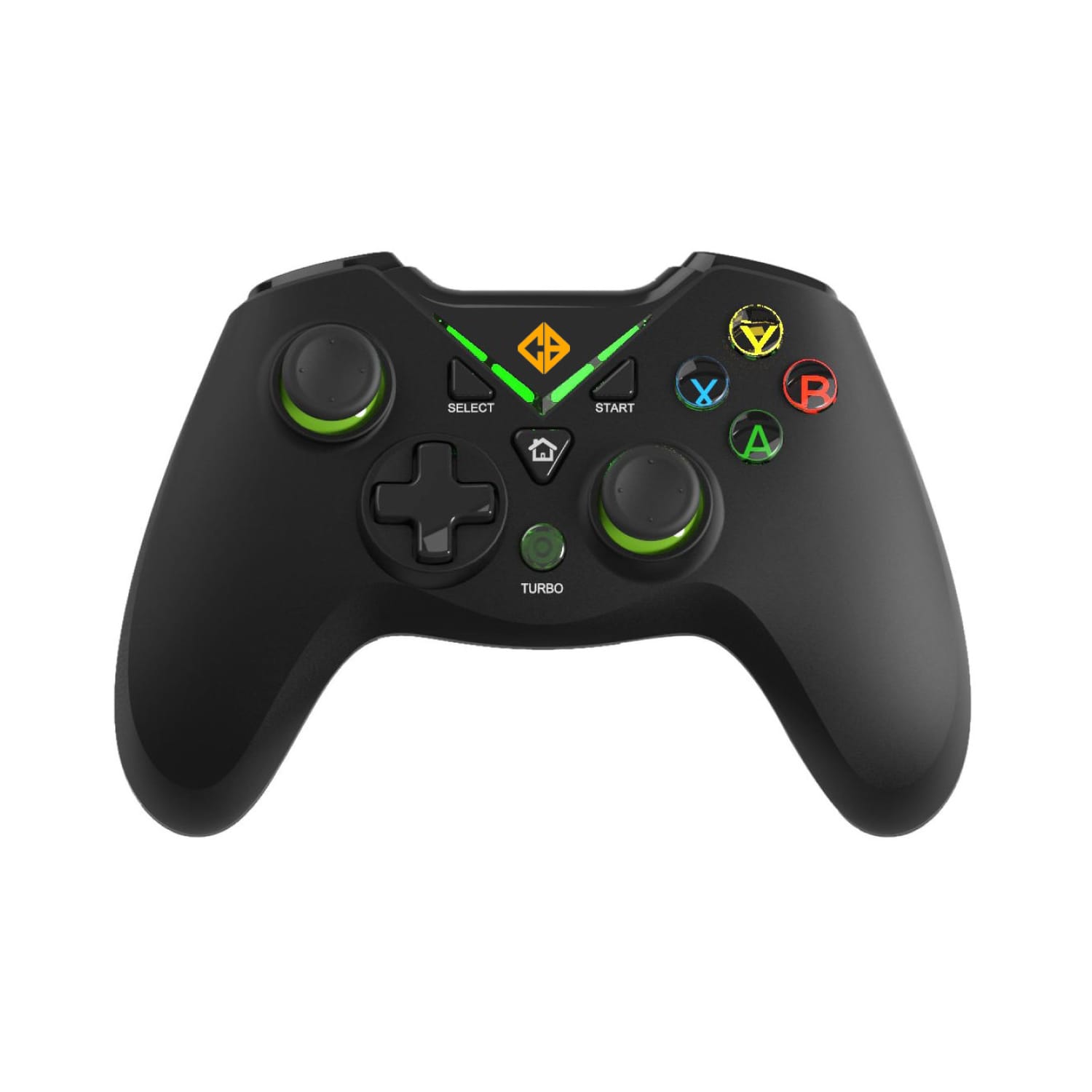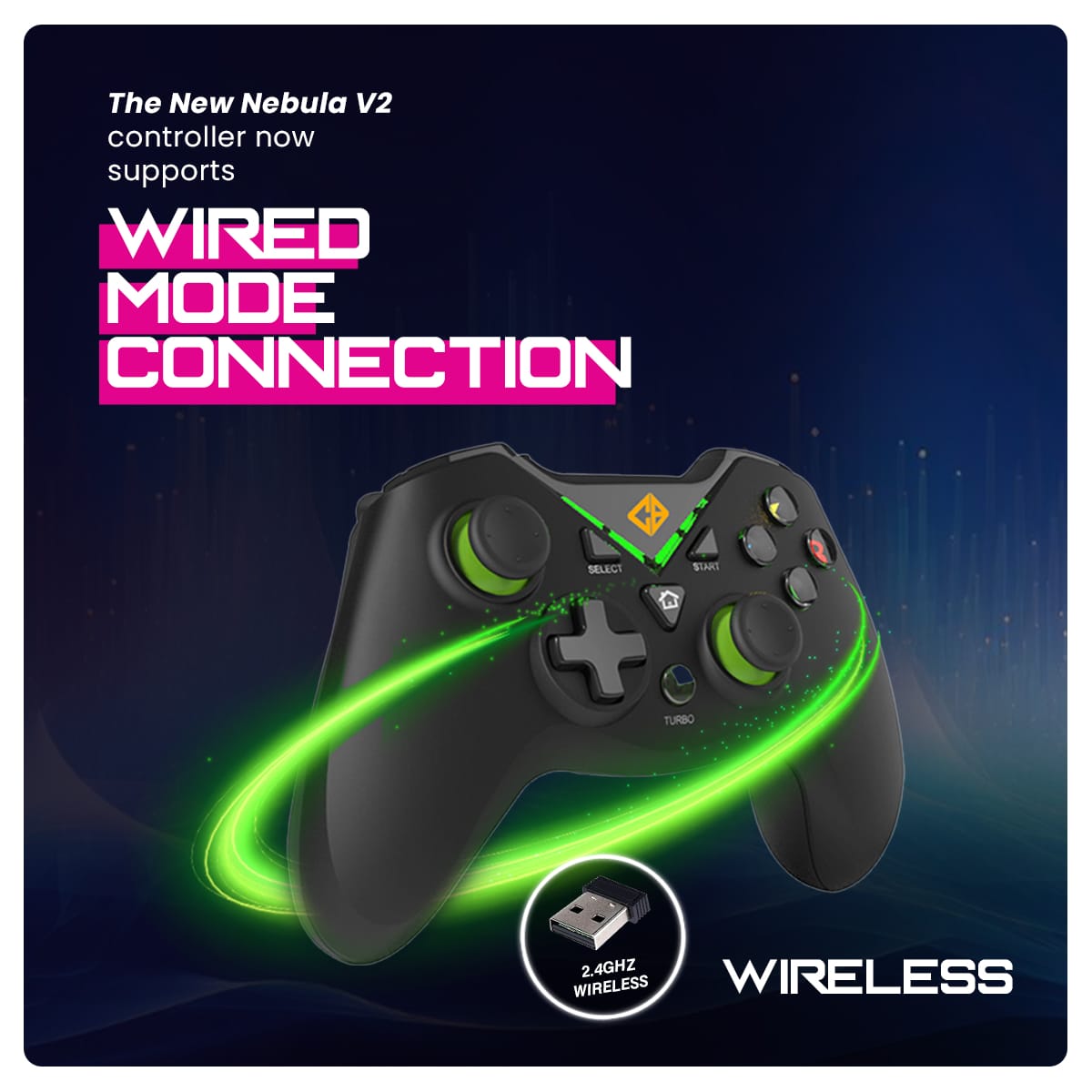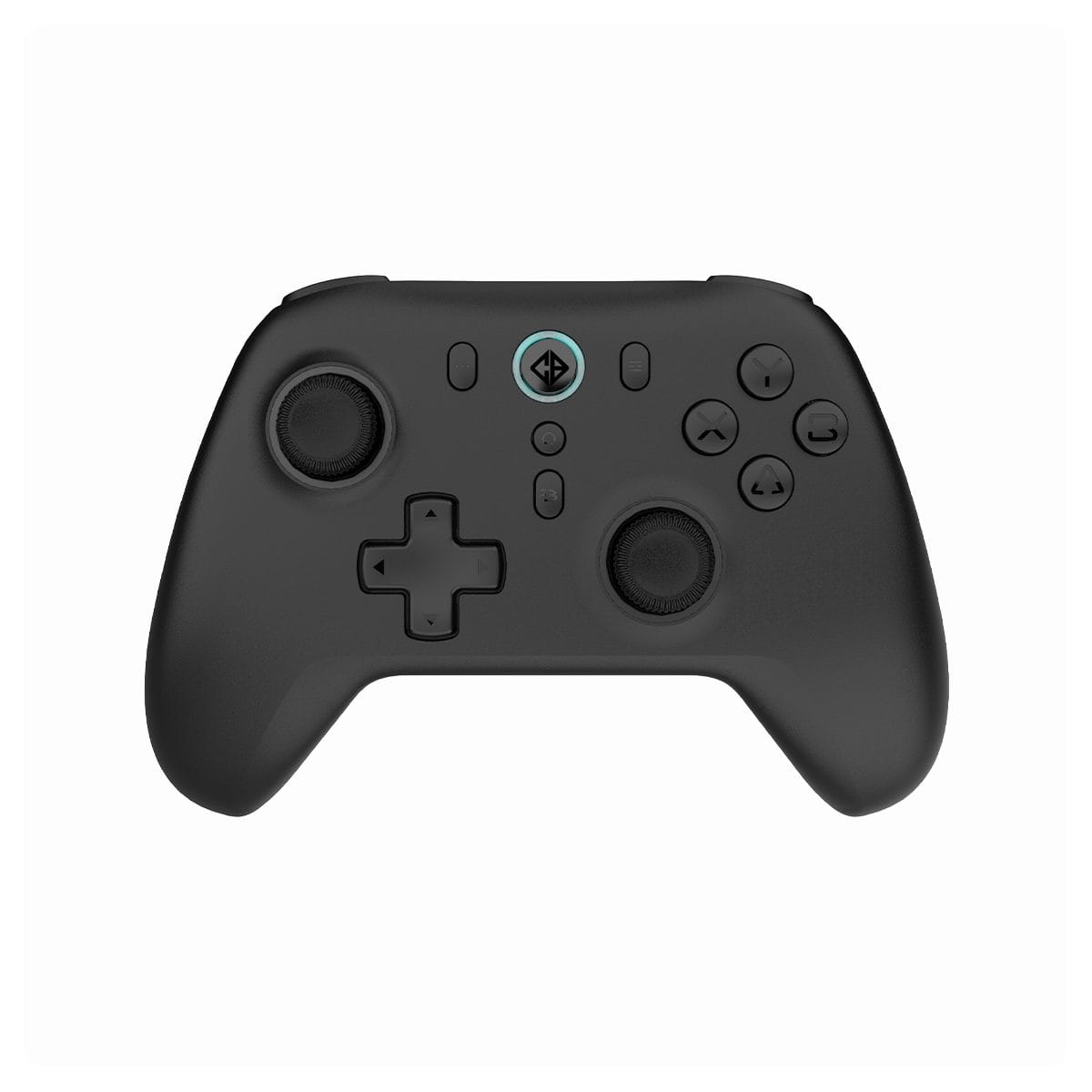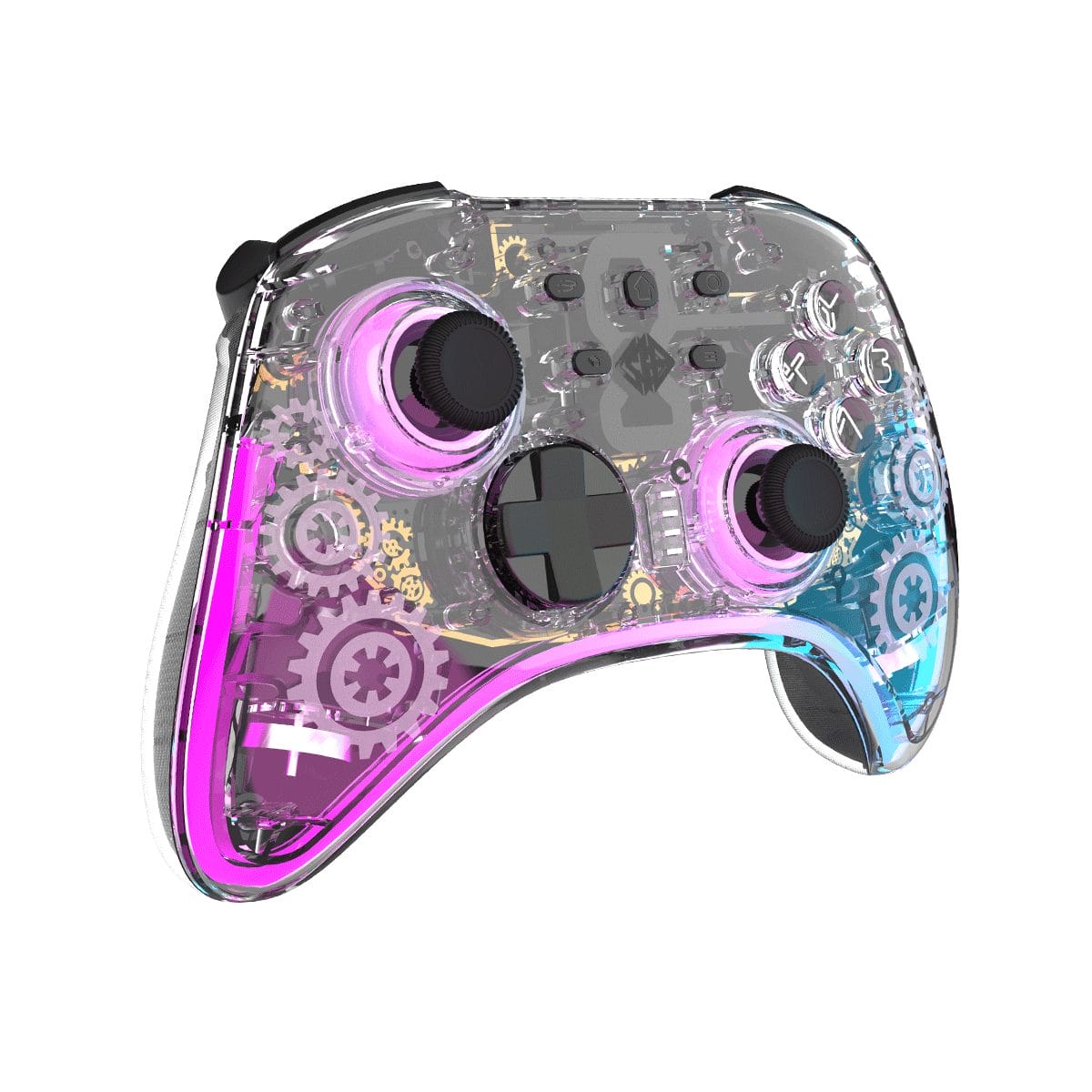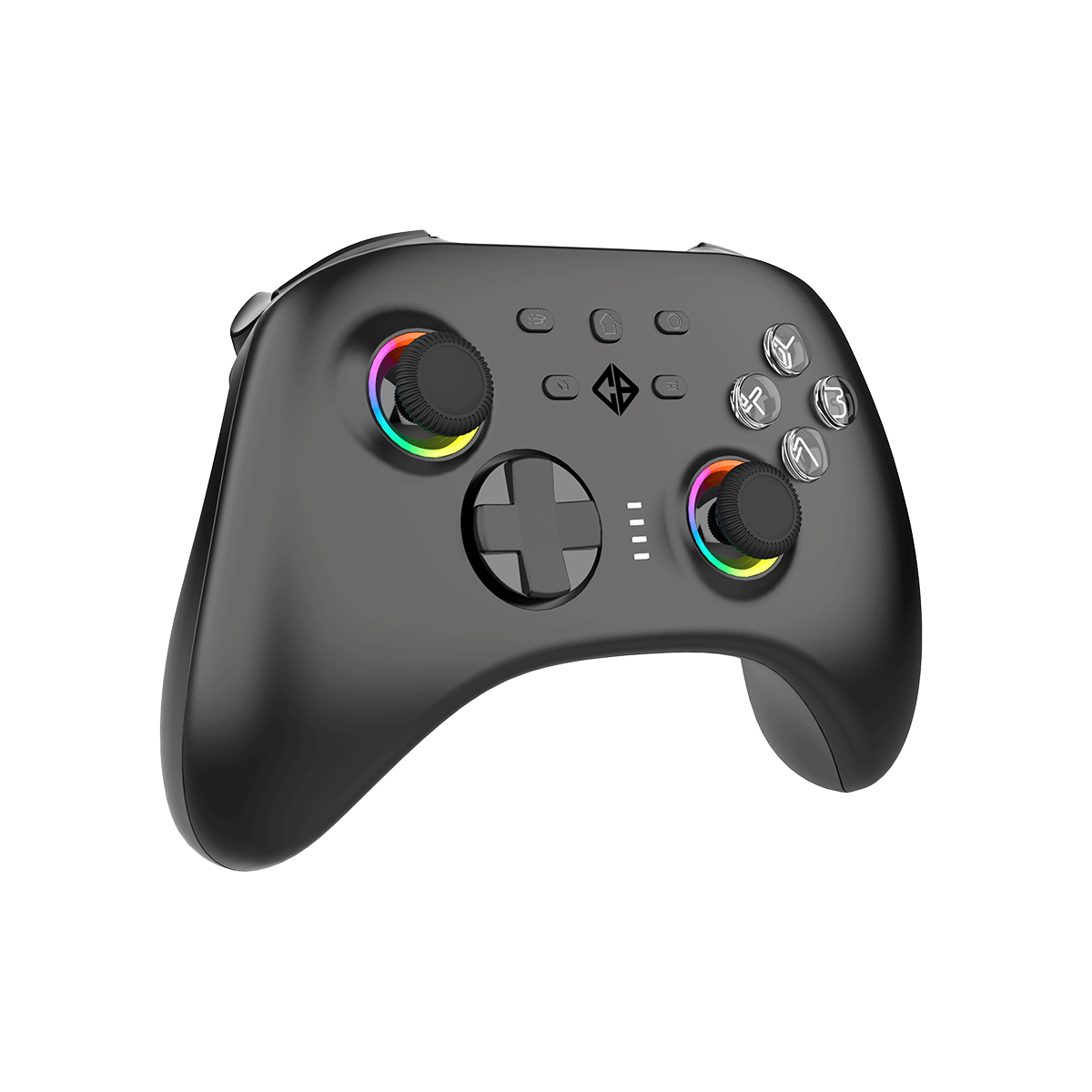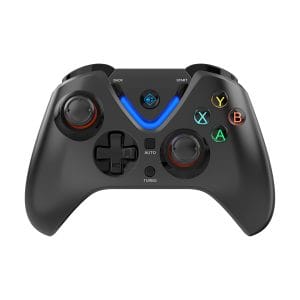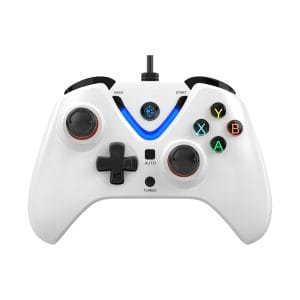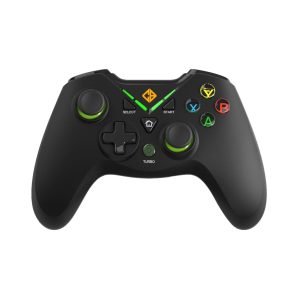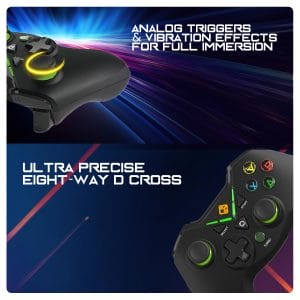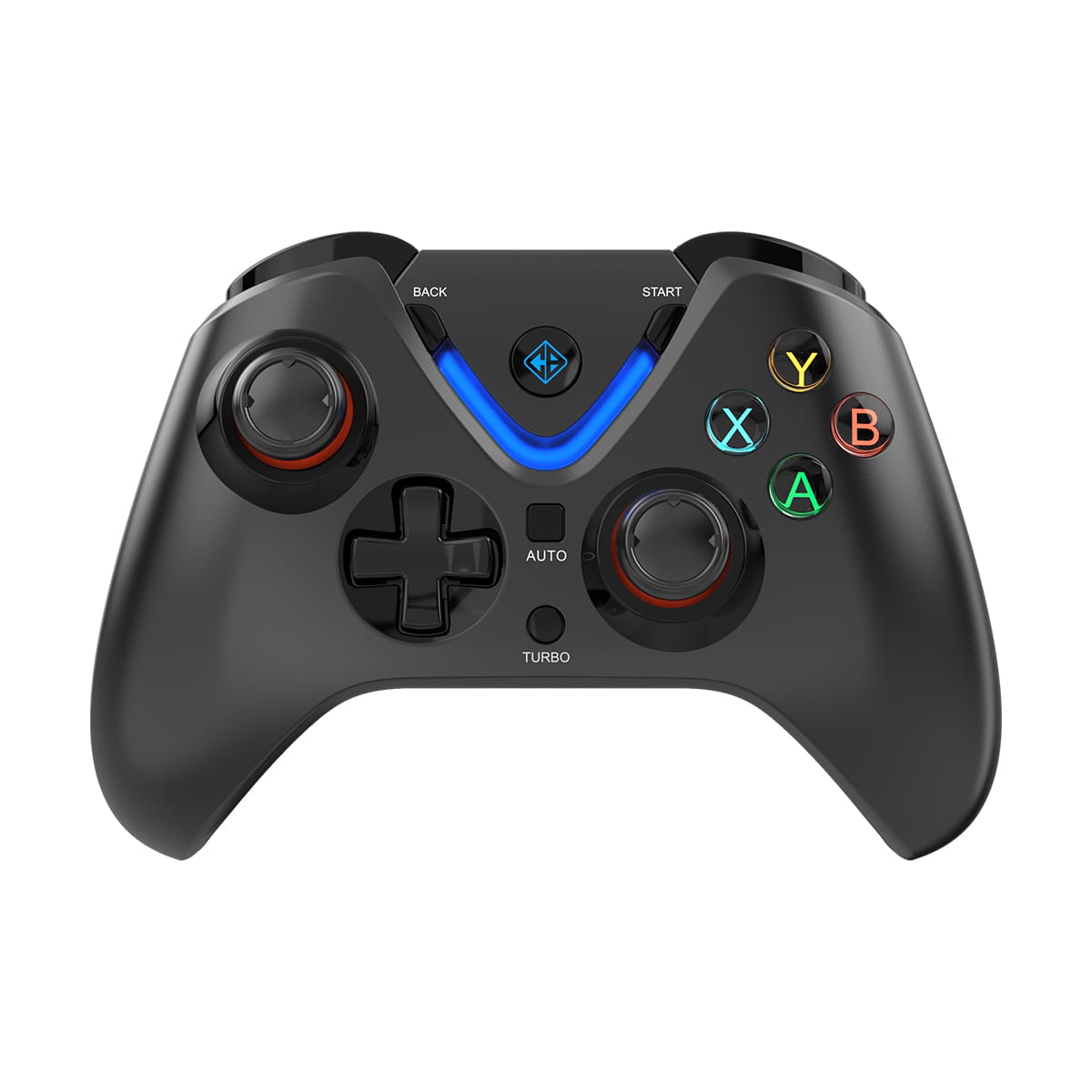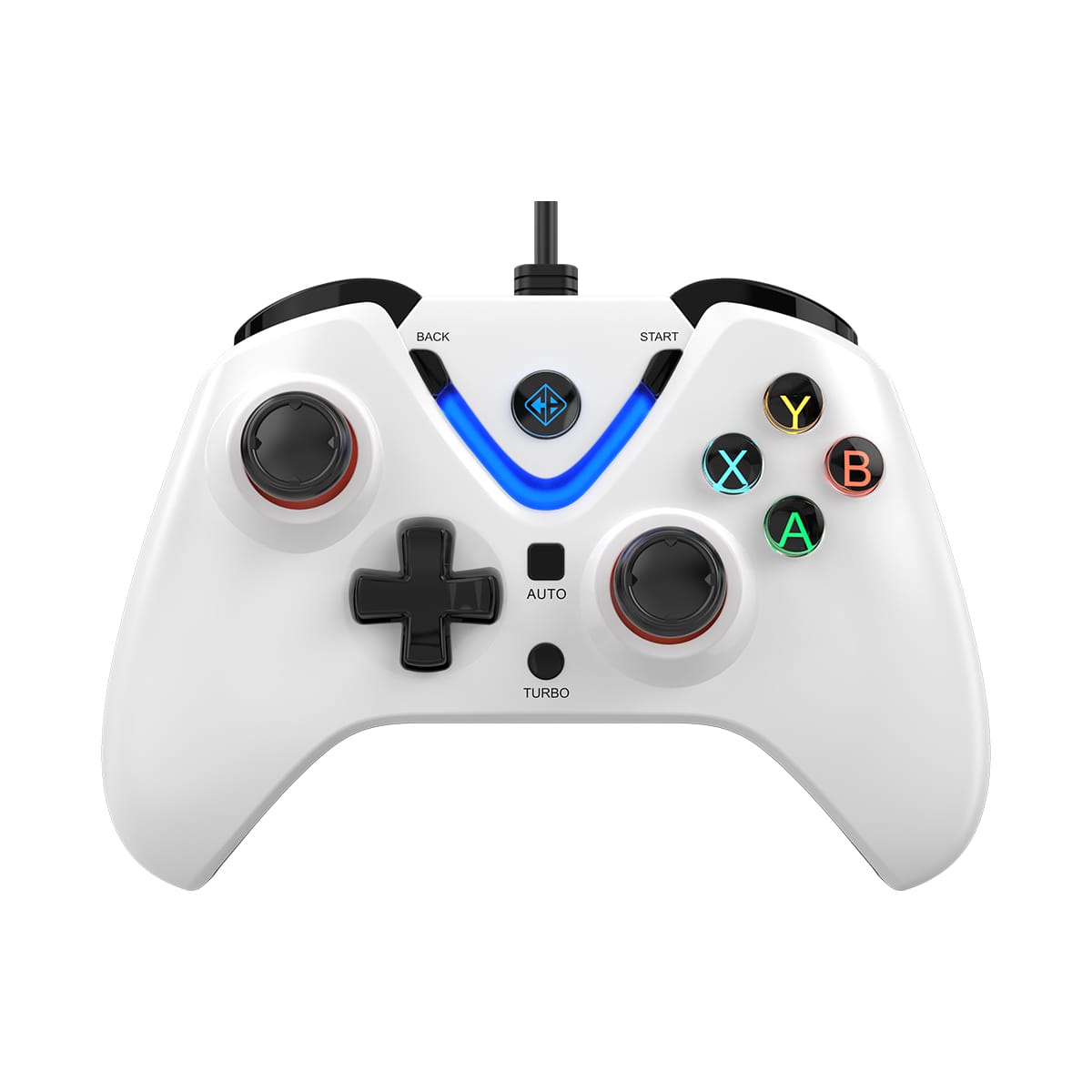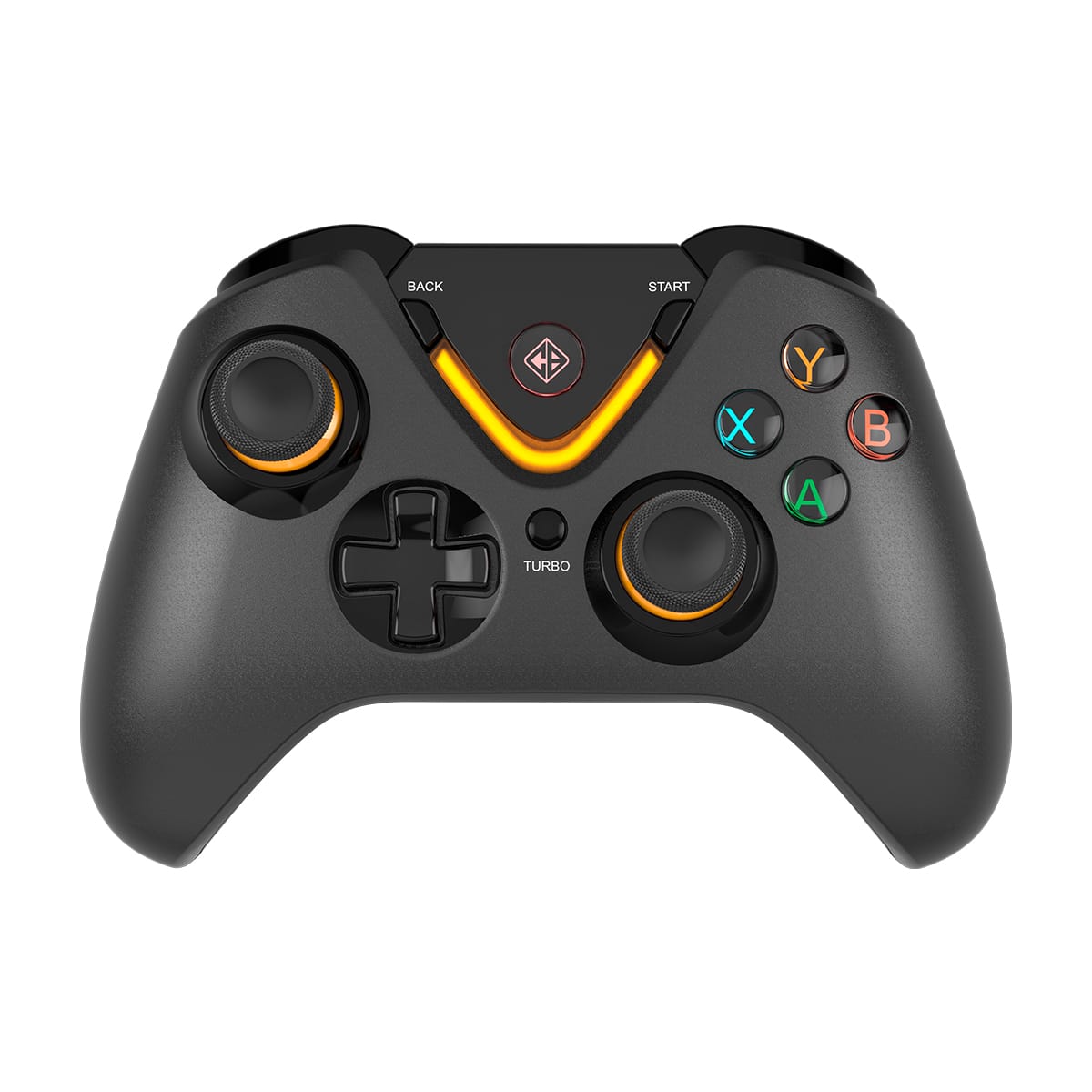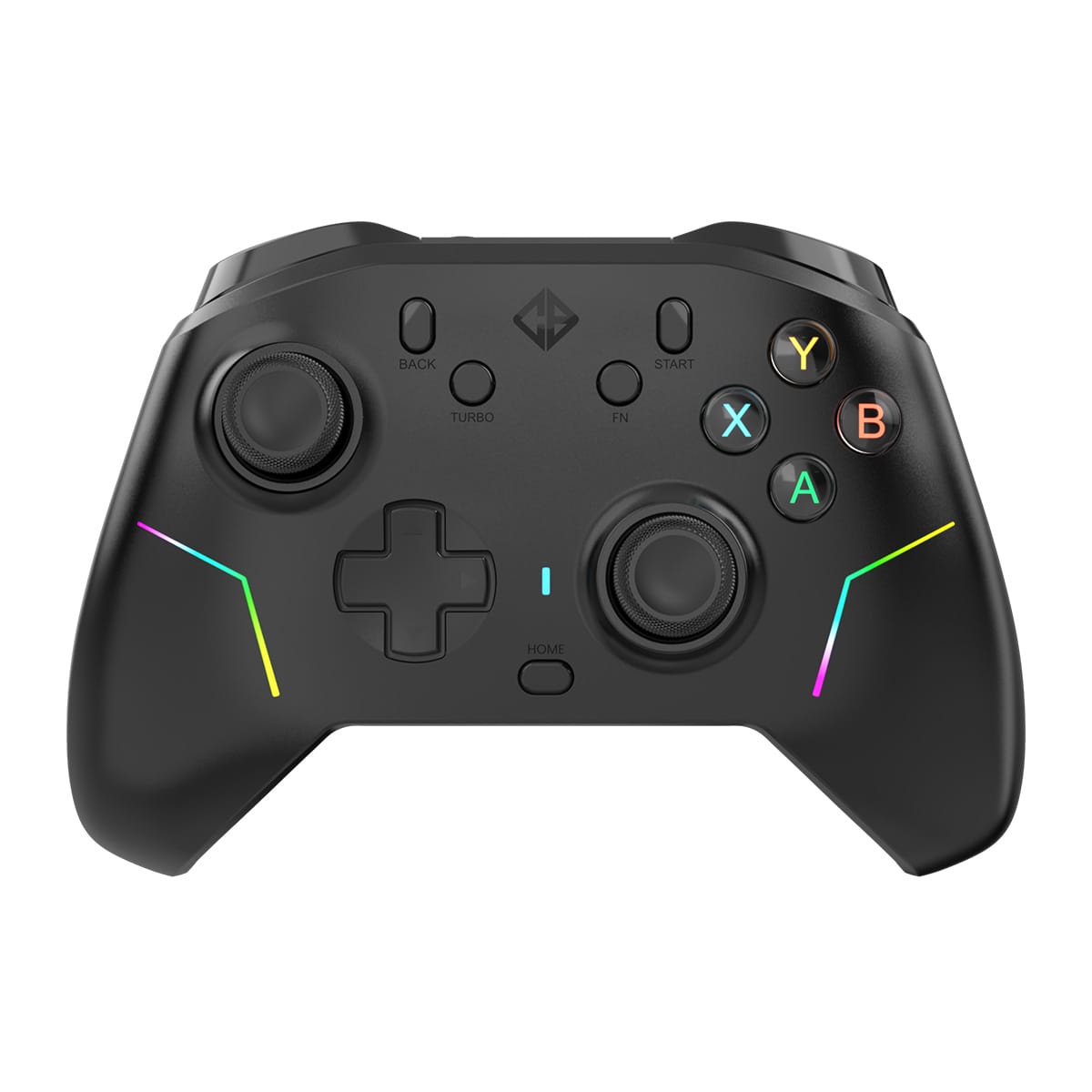
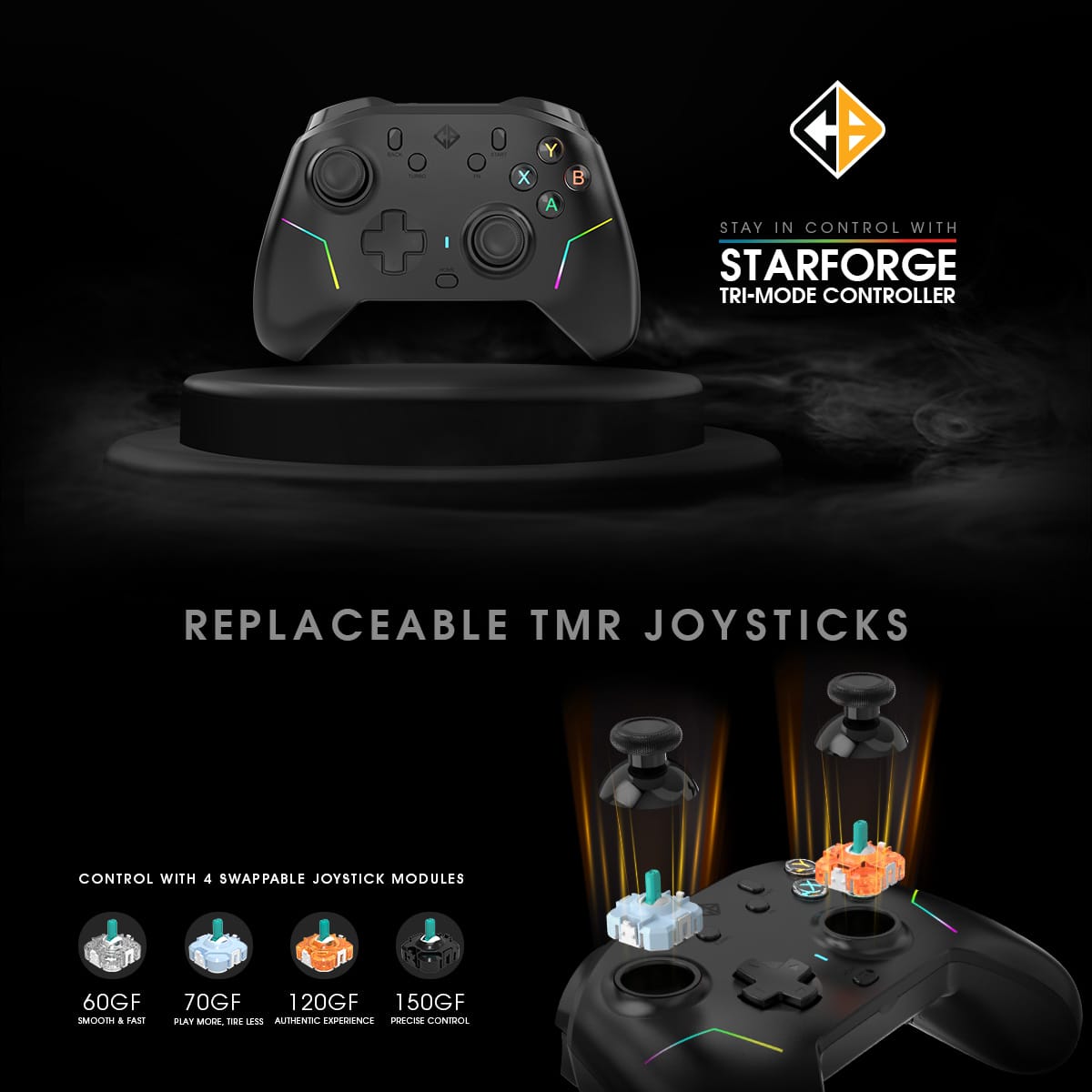
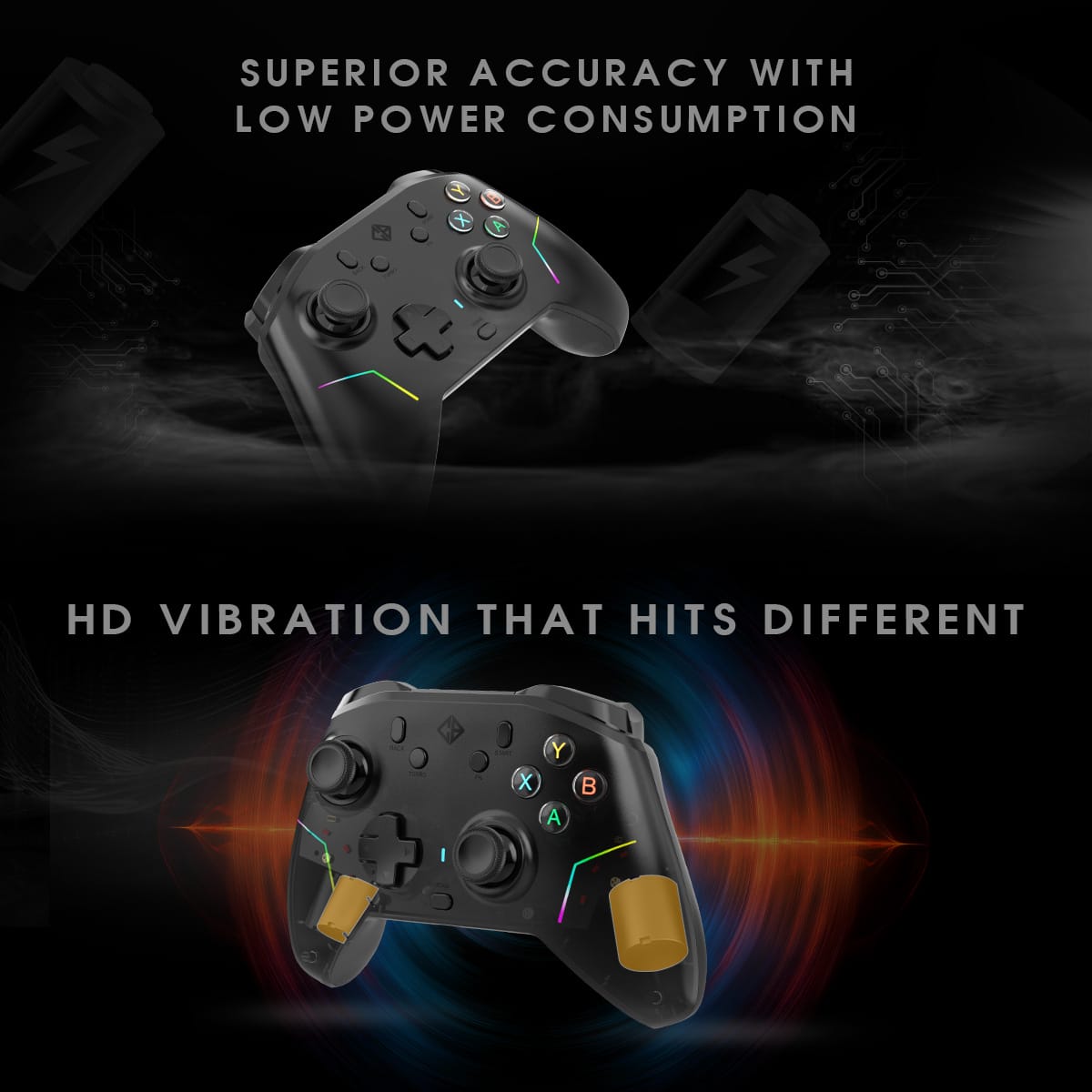
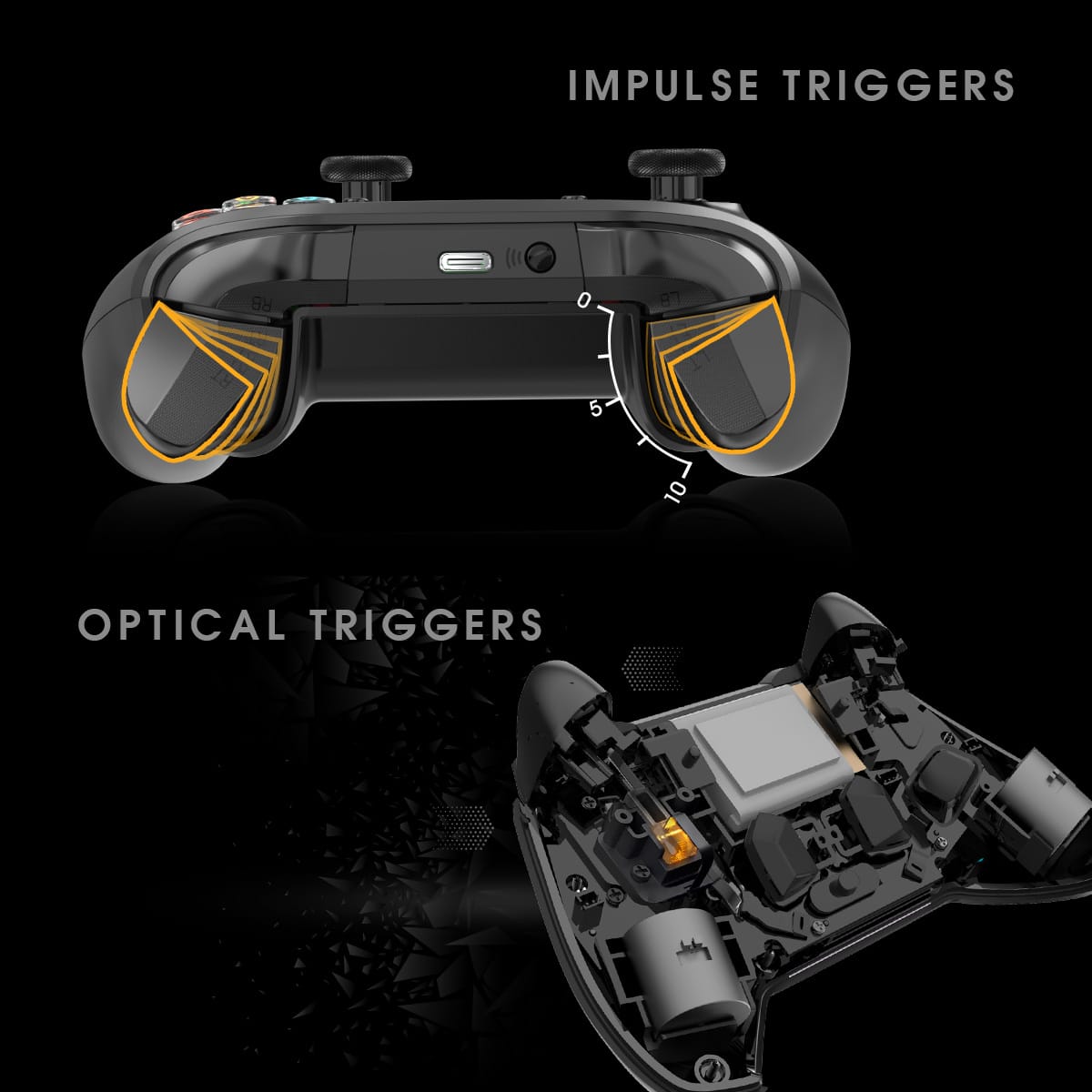
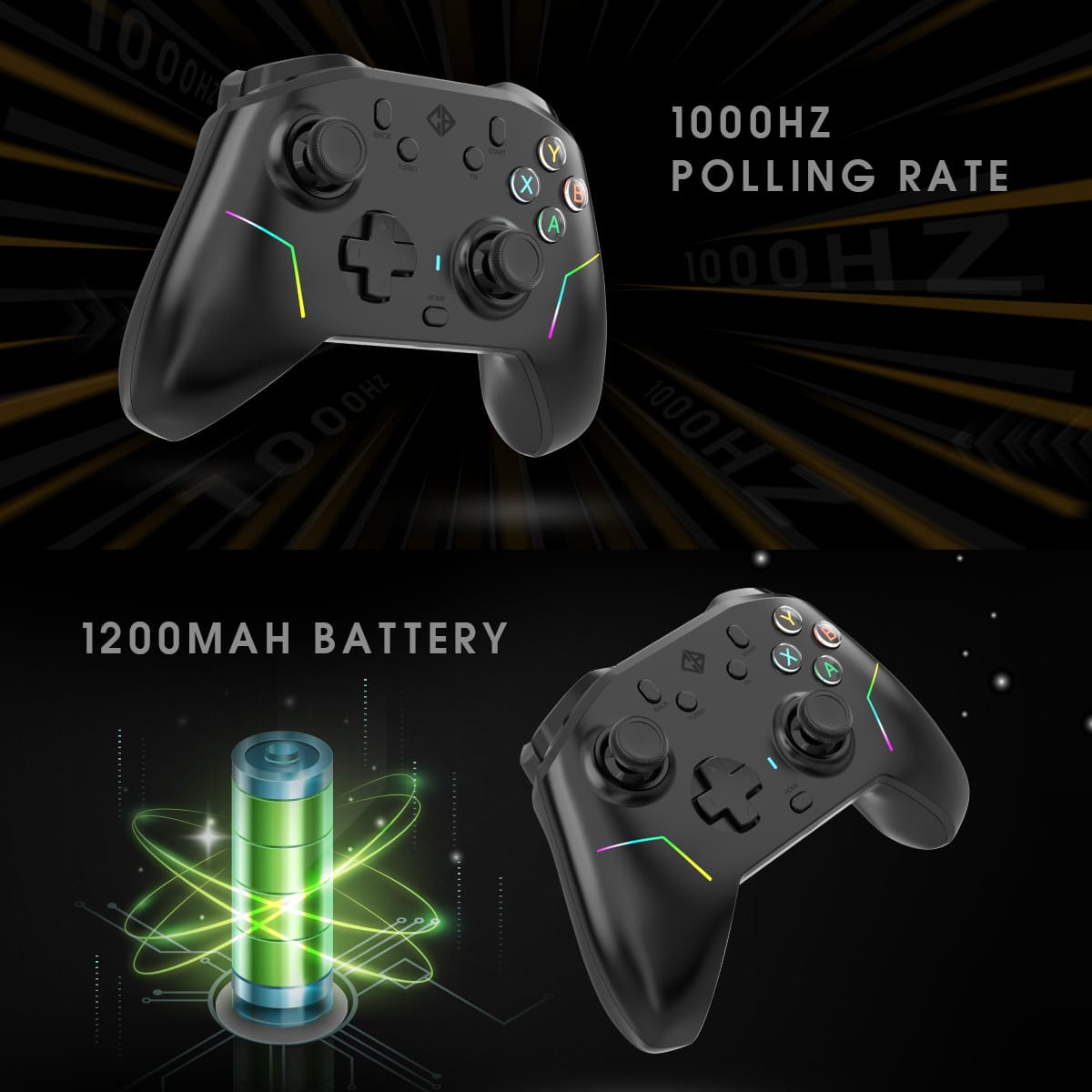
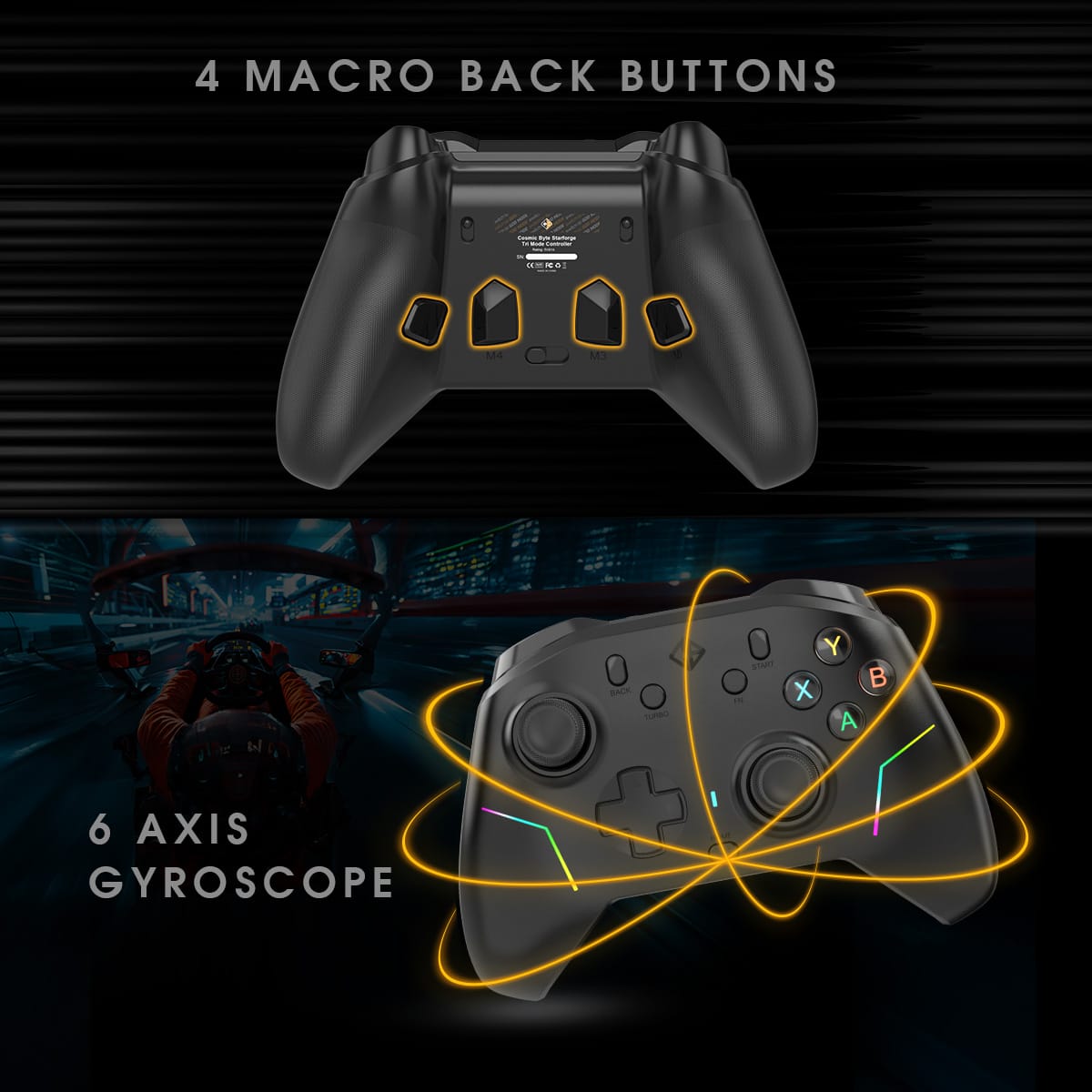
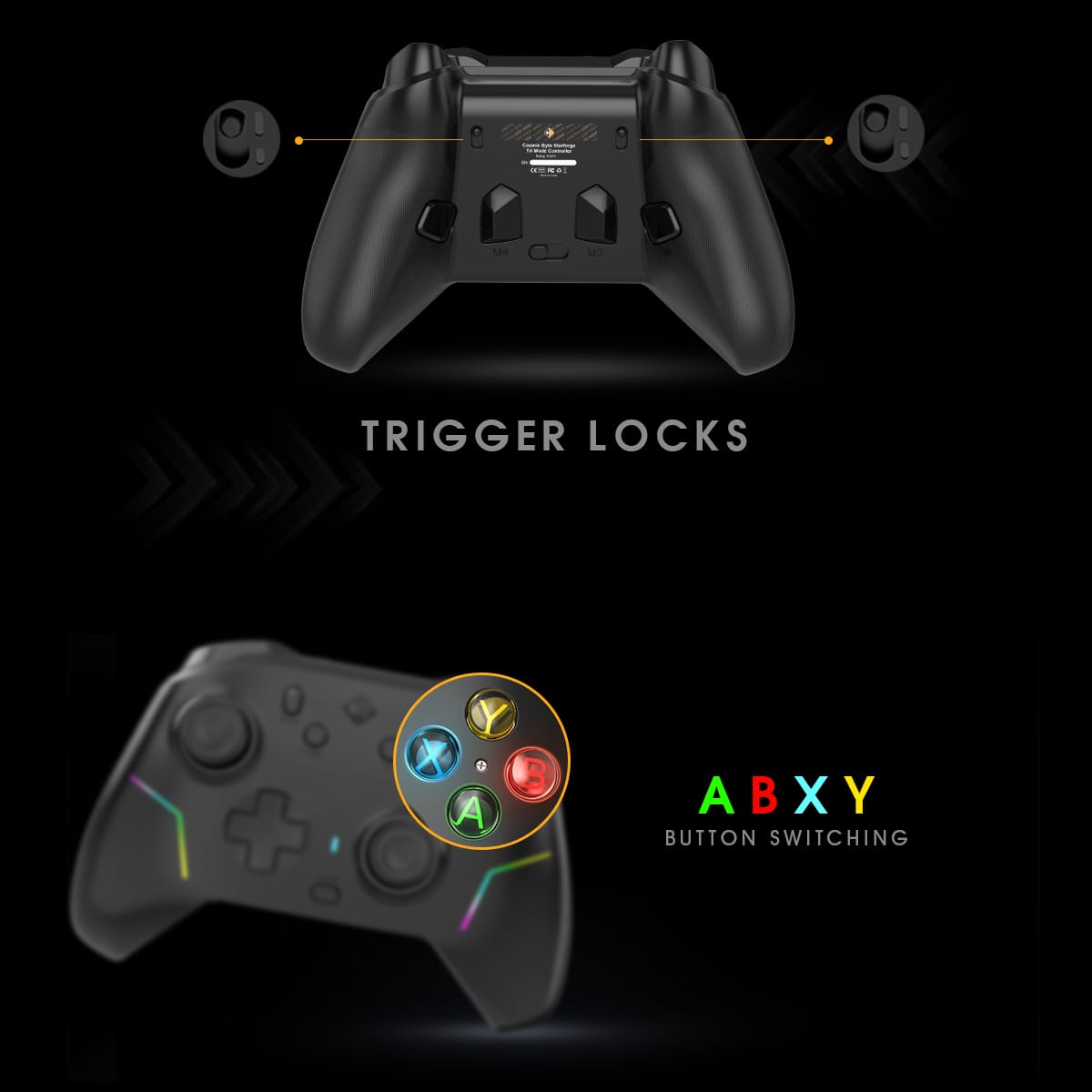
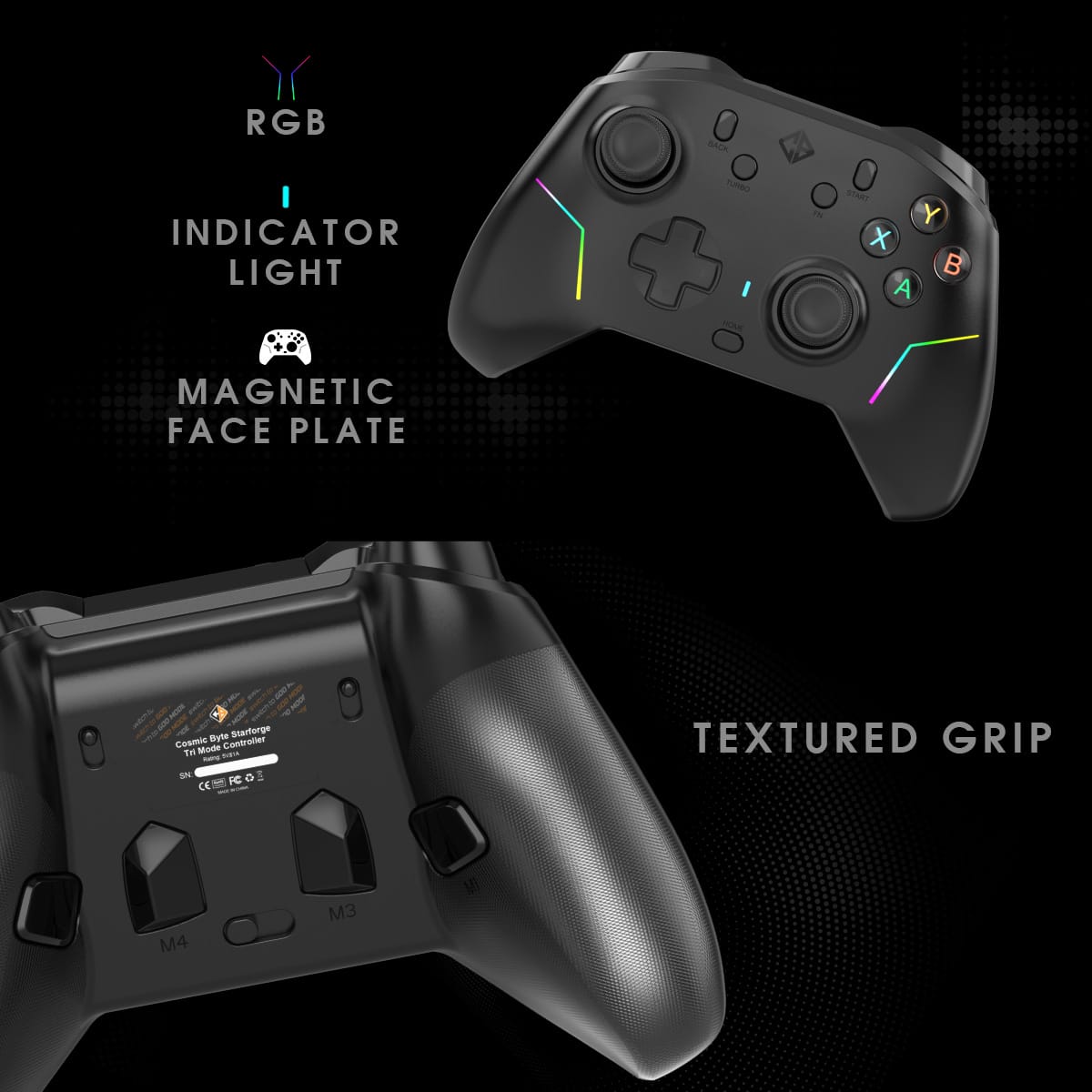
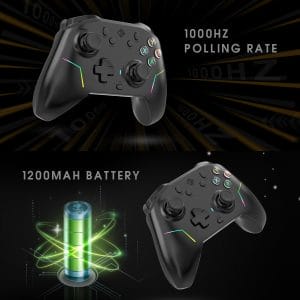
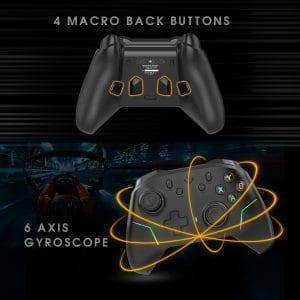
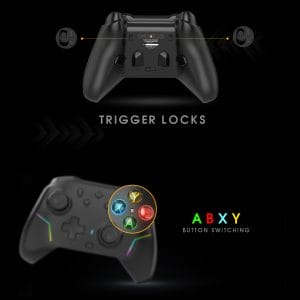
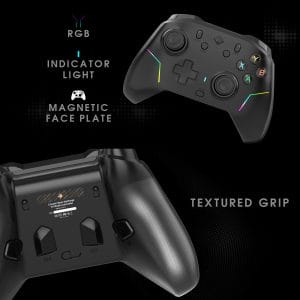
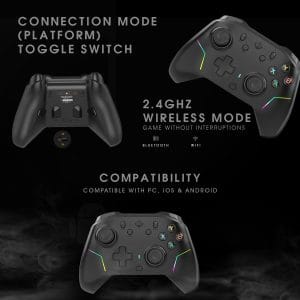
Cosmic Byte Starforge Tri-Mode Controller, Replaceable TMR Joysticks
Offer Ends In:
Loading available coupons...

CUSTOMER SUPPORT

SECURED PAYMENT

FREE SHIPPING ACROSS INDIA

EMI OFFERS

WARRANTY

REPLACEMENT

CASH ON DELIVERY

7 DAYS RETURN

CREATE AN ACCOUNT

EARN BYTES

REDEEM BYTES

REFER N EARN
OUR HAPPY CUSTOMERS
IMAGES SHARED BY CB COMMUNITY
- Overview
- User Manual
- Troubleshooting
- Firmware Update
- Additional information


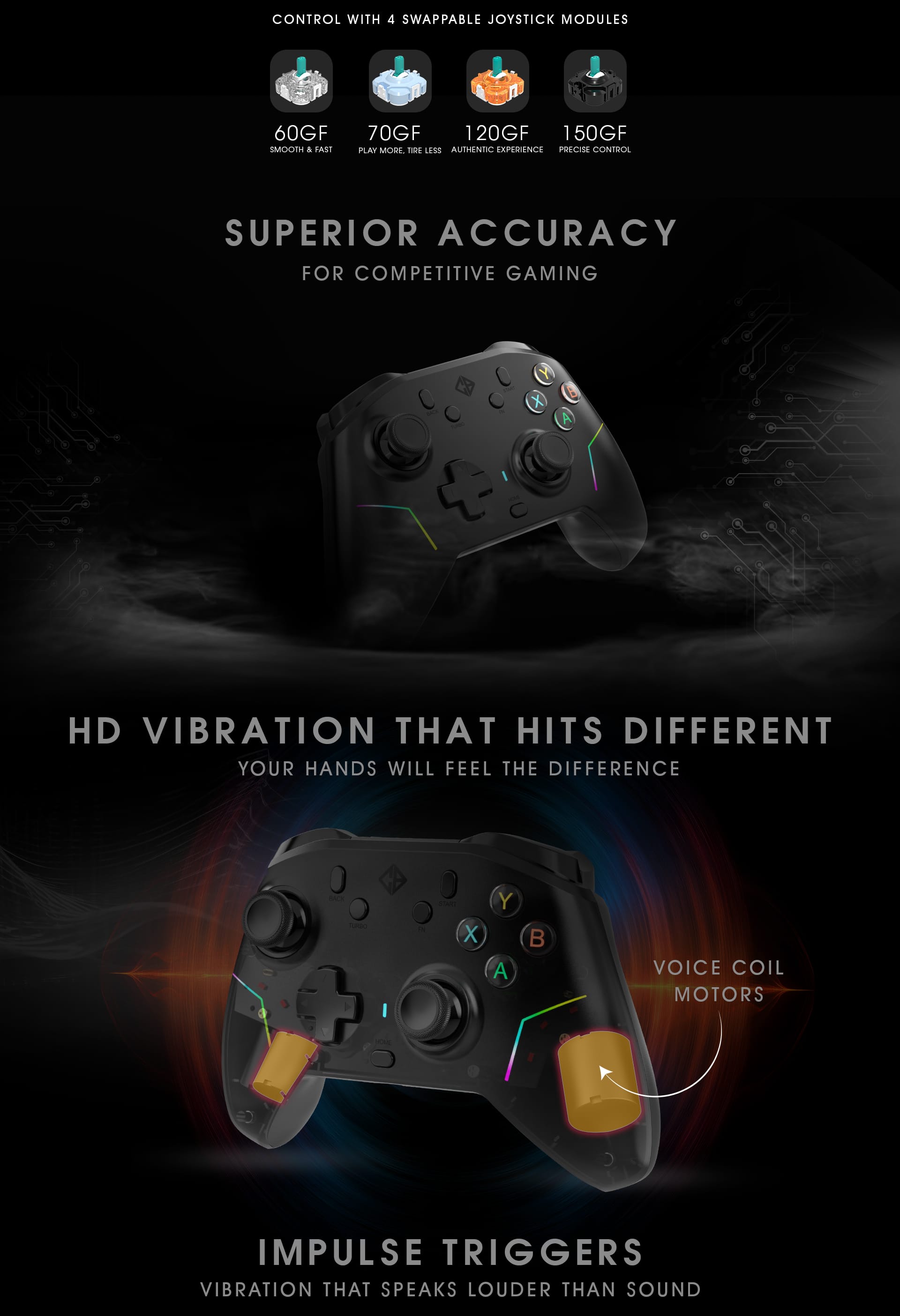
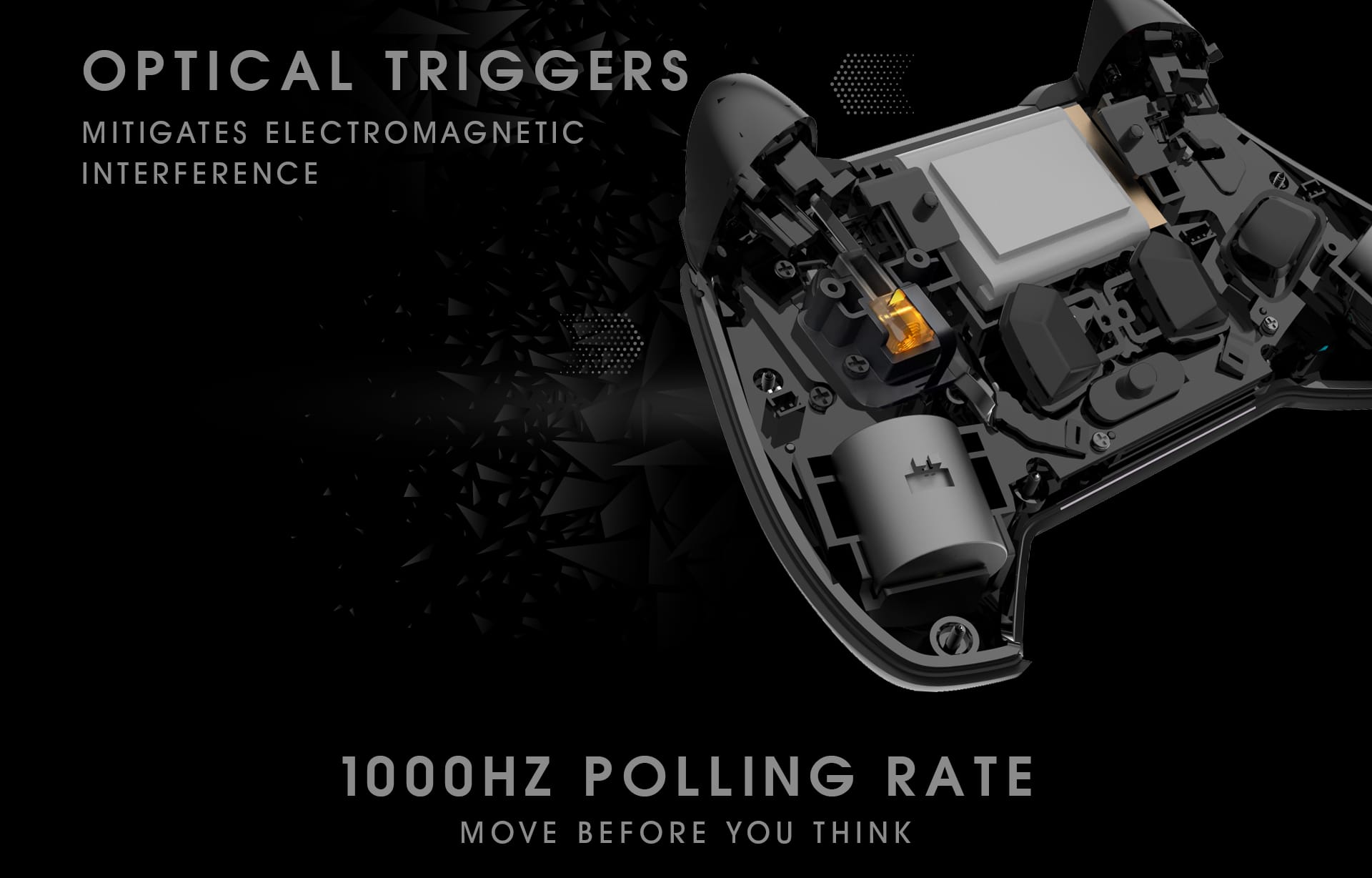
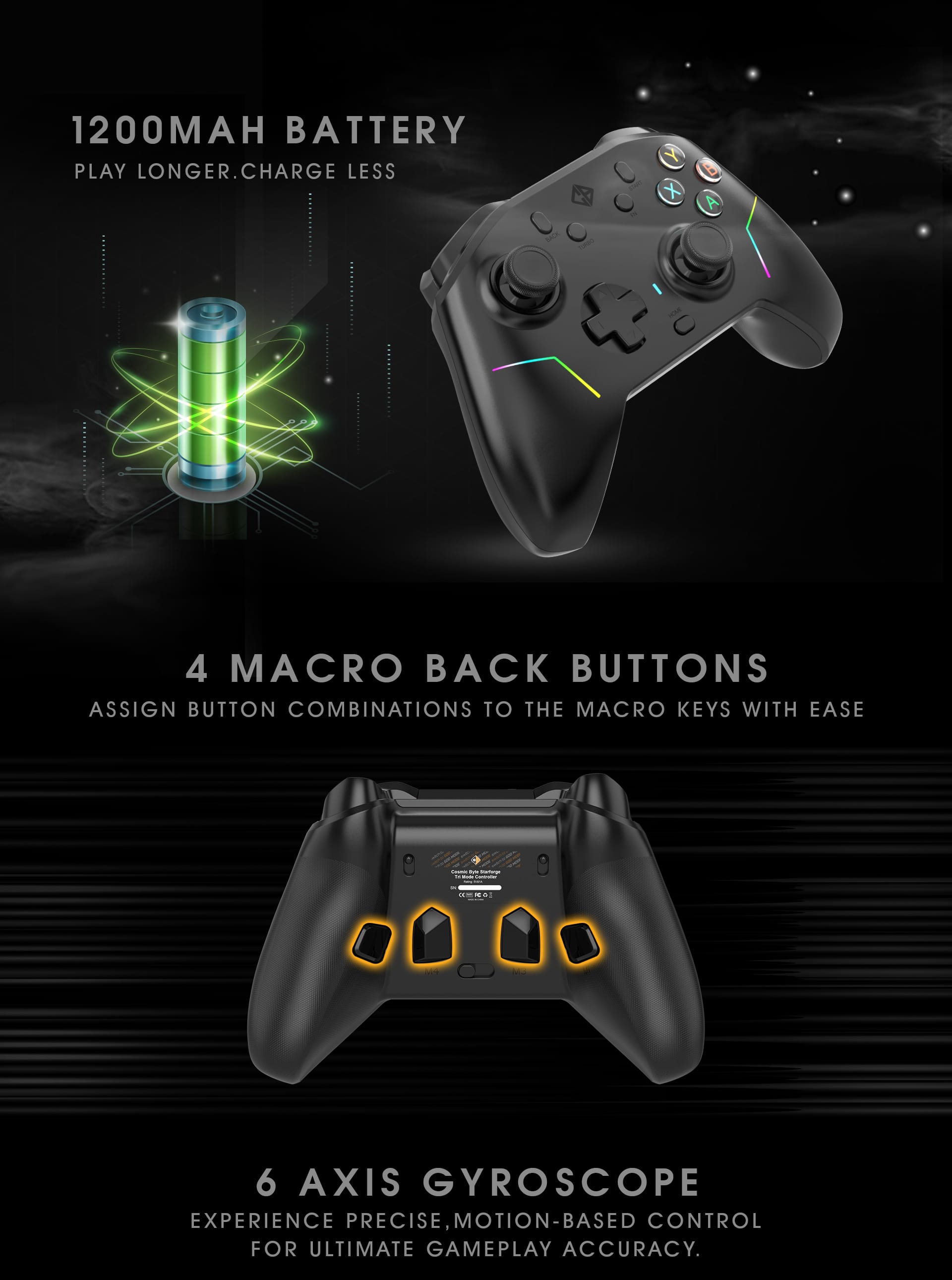

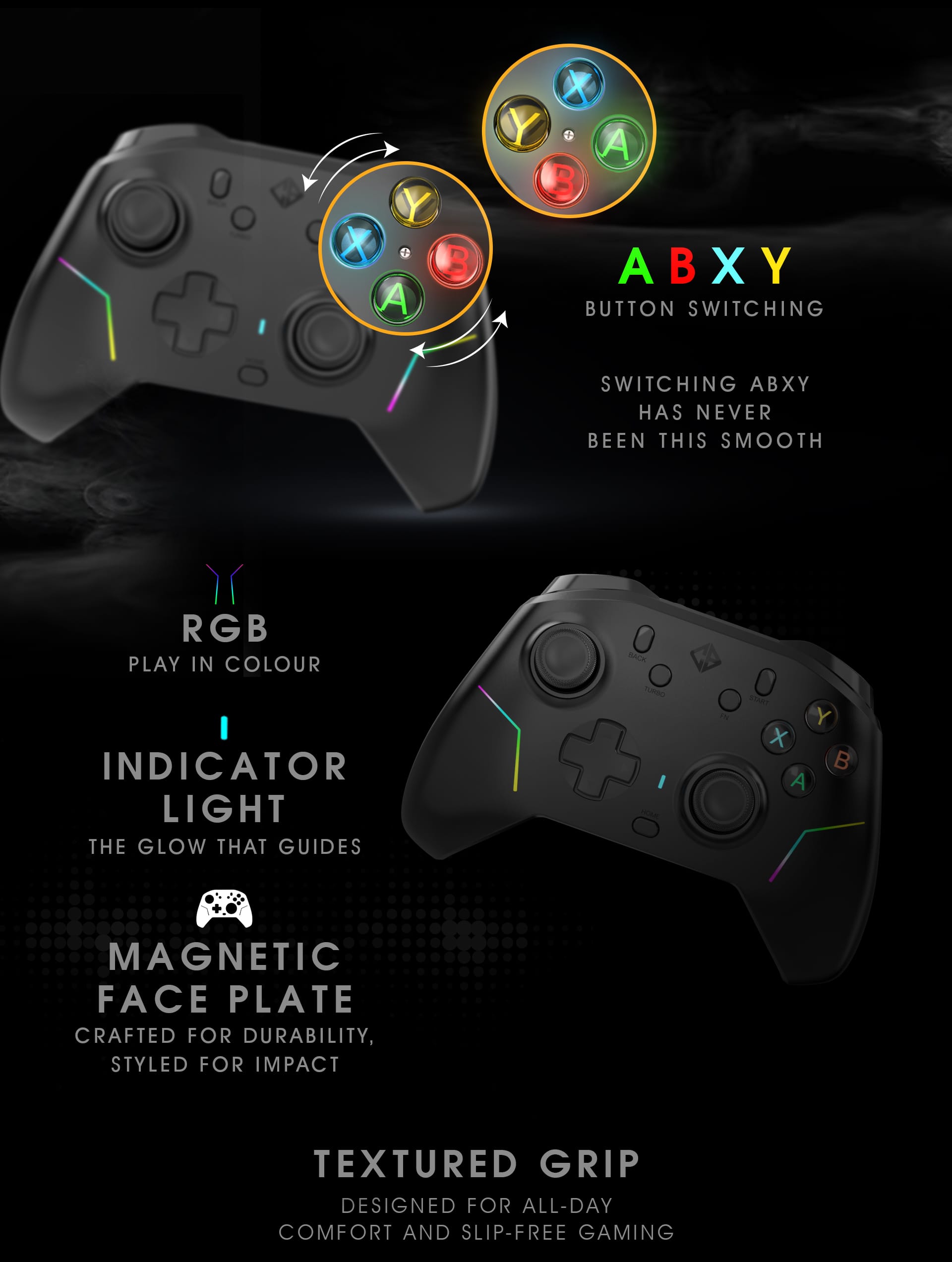
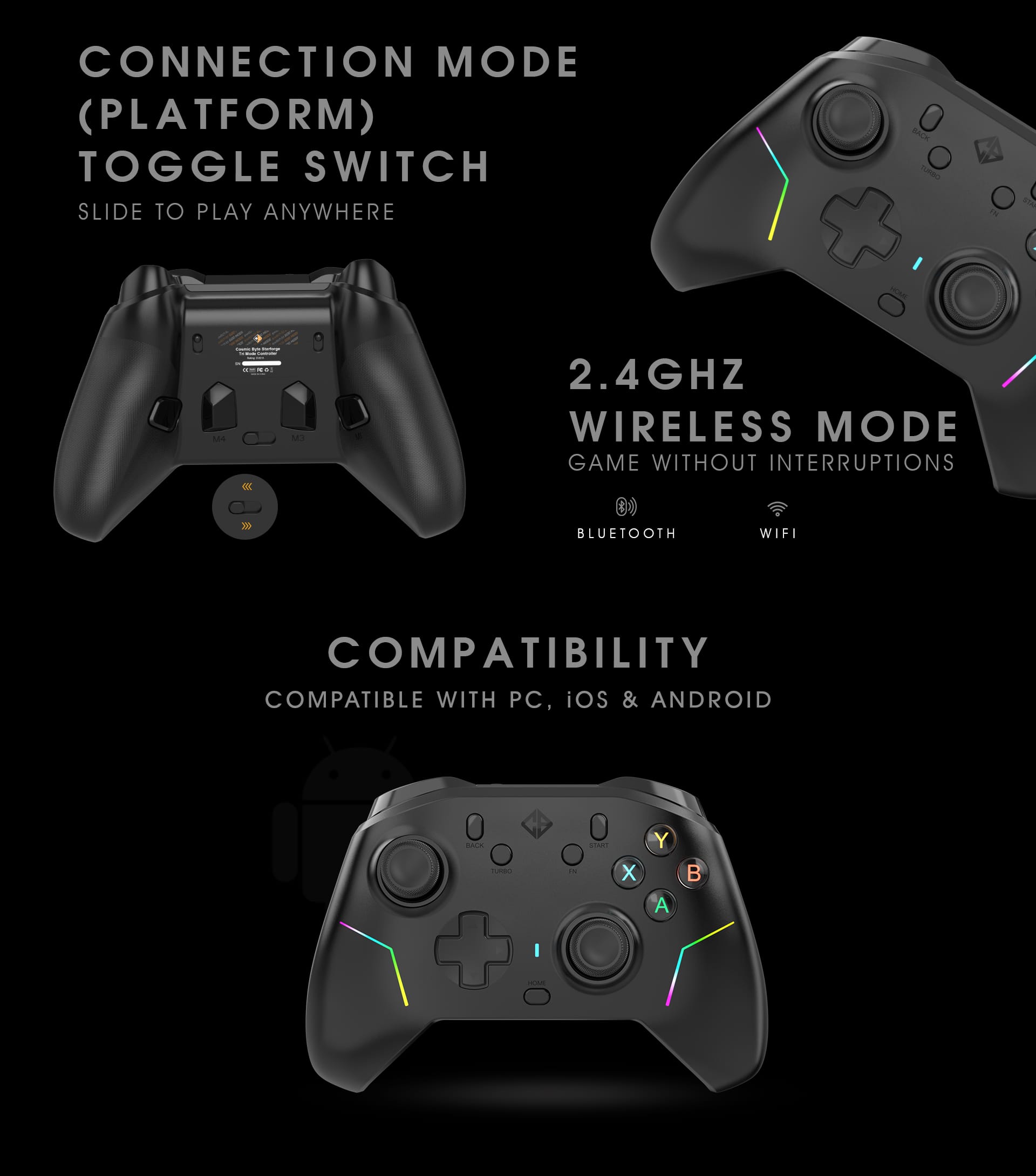
Starforge Gamepad USER MANUAL V2
Updated Calibration Steps, Reset Controller, Joystick Range, App Support details
Please refer to the above manual, Physical manual may have older steps.
If your controller isn’t functioning properly, follow these steps to resolve common issues
before contacting support.
Q1: Controller Not Powering On
• Ensure the controller is charged using the provided Type-C cable.
• Try connecting to a different USB port or use another data-capable cable.
• For wireless use, press and hold the Home button for 5 seconds to power it on.
• If still unresponsive, connect in wired mode to confirm power input.
Q2: Controller Not Detected (PC / Console / Mobile)
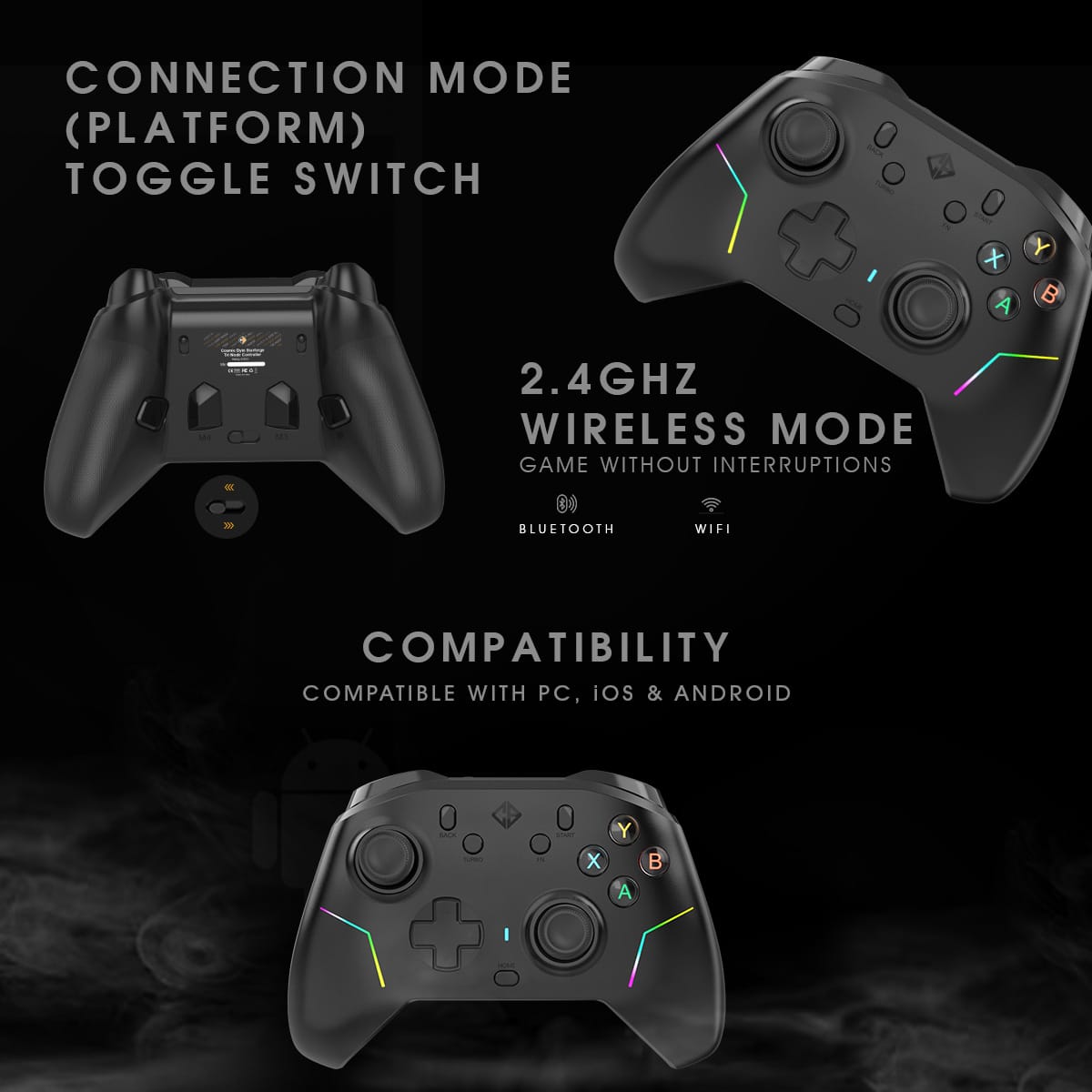
• Make sure the mode switch is correctly set:
◦ PC / 2.4G Mode: For PC or console
◦ Mobile Mode: For Android / iOS
• If connection is lost in 2.4GHz mode, re-pair using the controller’s Pairing Button:
1. Set the mode switch to 2.4G.
2. Insert the USB receiver into your device.
3. With the controller powered off, press and hold the Pairing Button for 3 seconds.
4. The LED will flash rapidly; when it turns solid and the controller vibrates, pairing is
complete.
• For Bluetooth mode, pair the controller with “Xbox Wireless Controller” from
your device’s Bluetooth list.
• If pairing fails, remove any previous connection and pair again.
Q3: Buttons or Triggers Not Responding
• Clear all turbo settings by holding the Turbo button for 5 seconds (vibration
confirms).
• Ensure no third-party mapping software (e.g., Steam Input) is interfering.
• Reconnect or re-pair the controller and test again.
Q4: Wrong Input / Incorrect Button Mapping
If your buttons register incorrectly (e.g., A/B swapped):
1. Locate the small screw in the center of the ABXY buttons.
2. Use the provided screwdriver to rotate it clockwise or counterclockwise to switch between
layouts.
3. A vibration confirms the layout change.
4. Restart the controller to apply the new layout.
Q5: Joystick Drift / Wrong Range / Error Rate / Wrong Input Direction
If the joysticks behave abnormally, drift, move inconsistently, or respond incorrectly:
Check Joystick Installation
• Power off the controller.
• Ensure the joystick module is inserted straight and locked properly into the socket.
• Press the joystick firmly down to ensure proper contact before calibration.
• Reattach the magnetic cover securely and align it correctly.
Calibrate Joysticks (Mandatory After Replacement or Issues)
• Place the controller on a flat surface and power it off.
• Press and hold Back + X + Home for 1 second — LEDs will begin flashing.
• Rotate both joysticks clockwise 5 times each.
• Press both triggers fully 5 times when trigger lock is at full range only.
• Press Start to save calibration.
• LEDs stop flashing — calibration is complete.
Important
Calibration is required every time joystick modules are changed or replaced,
or if you notice drift, inconsistent response, range errors, or any button
automatically registering continuously without being pressed.
Calibration has to operate under XBOX ABXY layout.
Cosmic Byte Starforge Controller
Firmware Update – Version 1.5
**Release Date:** 4th Nov 2025
—
### What’s New in V1.5?
This update brings enhanced precision and improved stability for your **Cosmic Byte Starforge Controller** featuring **TMR Joysticks**. Firmware **V1.5** focuses on refining joystick calibration, improving button response, and optimizing overall controller performance.
—
### Improvements & Fixes
#### **TMR Joystick Calibration Enhancements**
* Improved calibration algorithm for **TMR Joysticks**, delivering more accurate and consistent range detection.
* Fixed issues where joystick movement did not reach full axis range or showed uneven directional input.
* Enhanced precision for micro-adjustments and smoother tracking during gameplay.
#### **RB/LB Continuous Press Fix**
* Fixed a bug causing **RB** and **LB** buttons to occasionally register as continuously pressed.
* Improved detection logic for consistent and accurate input recognition during rapid or extended presses.
#### **System Stability & Performance**
* Optimized internal processes for faster response times and enhanced stability.
* Improved compatibility across connection modes (Wired, 2.4GHz, Bluetooth).
* Minor bug fixes and performance tuning for a smoother overall experience.
—
### **How to Update**
Follow the steps below to safely update your controller to **Firmware V1.5**:
1. **Open the Cosmic Byte Firmware Updater Tool** on your PC.
2. **Press and hold the L3 button** (press the left joystick inward).
3. While holding **L3**, **connect the controller** to your PC using the **included USB cable**.
4. Once connected, the **“Update”** button in the updater tool will become **active**.
5. Click **Update** and wait for the process to complete.
**Do not disconnect** the controller during the update.
6. After the update, **recalibrate the gamepad** for optimal joystick performance.
—
**Cosmic Byte – Game Beyond Limits**
We’re committed to delivering the best possible performance and reliability with every update. Thank you for being part of the Cosmic Byte community.
Additional information
| Brand | Cosmic Byte |
|---|---|
| Color | Black |
| Connection Type | Bluetooth, Wired, Wireless |
| Country of Origin | CN |
| EAN | 8906107602883 |
| HSN | 84716090 |
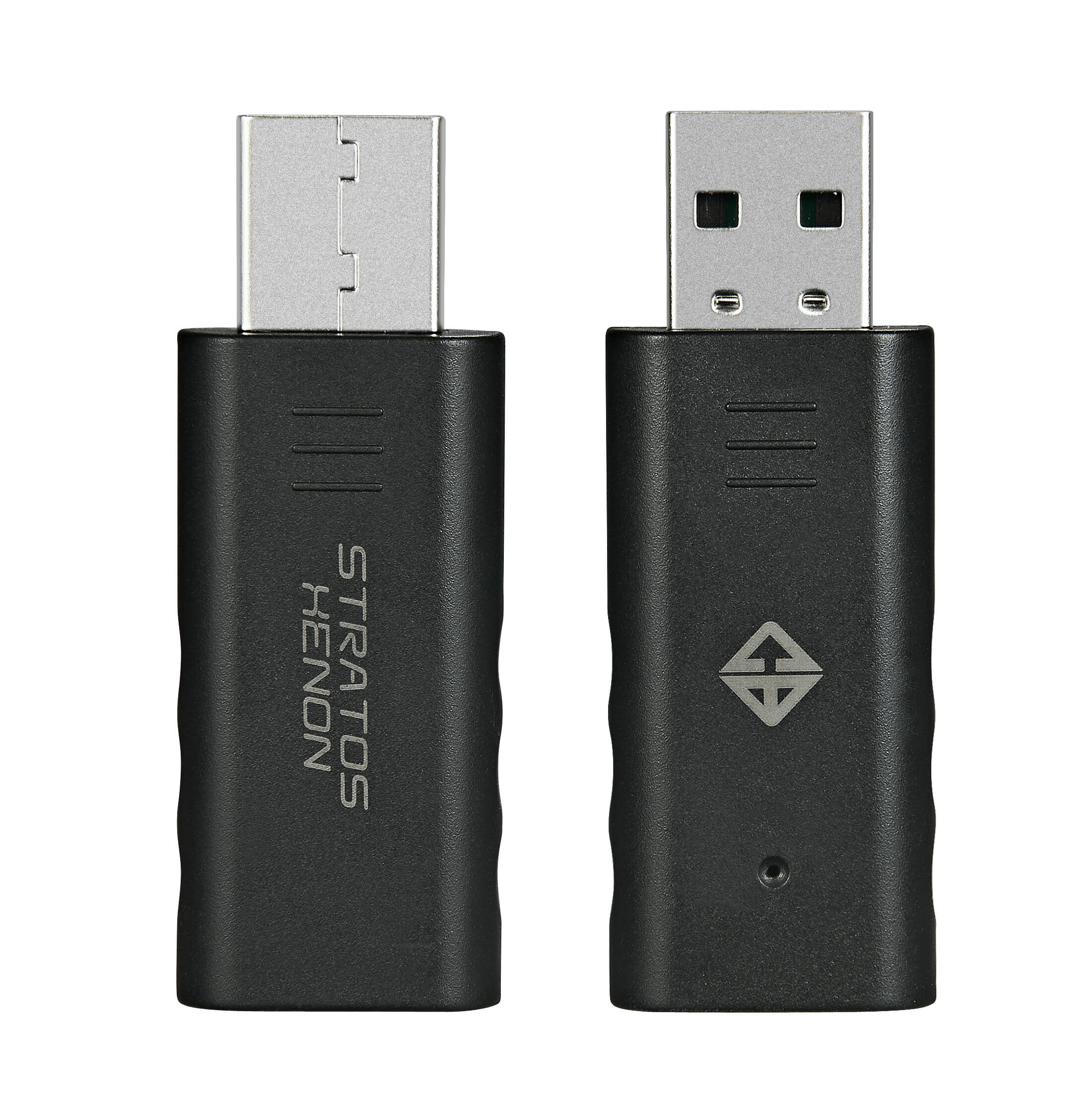
| Included In Package | Extra Joystick Pair x 3U, Gamepad x 1U, Joystick Puller x 1U, Screwdriver x 1U, USB Cable x 1U, User Manual x 1U, Wireless Dongle x 1U |
| LED | RGB LED |
| Model Number | Starforge |
| Warranty | 1 Year Warranty against Manufacturing Defects |